
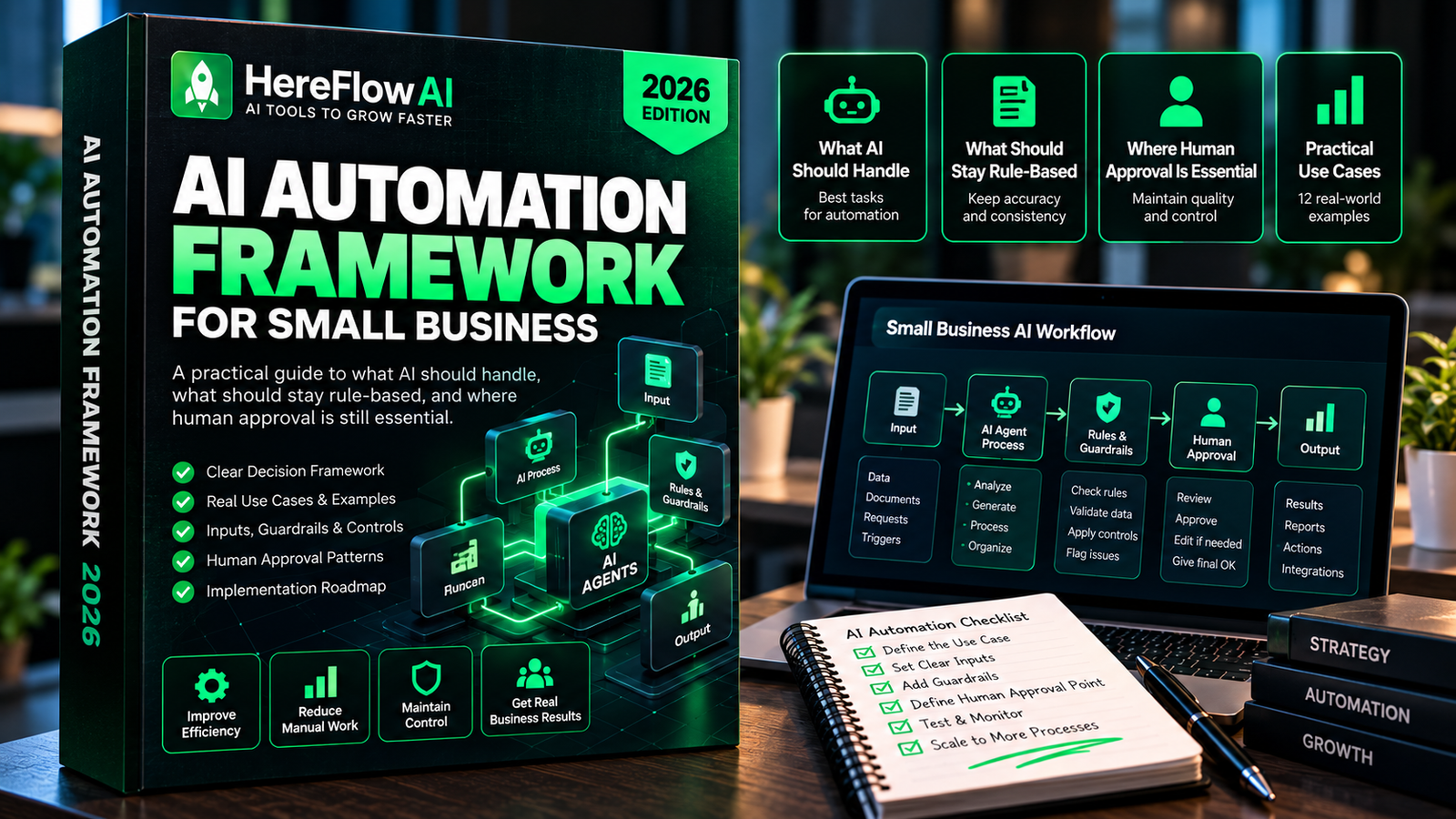

AI automation for small business works best when AI handles language and rules handle facts. The production pattern is not “give the model the whole process.” It is to separate deterministic logic, AI-assisted interpretation, and human approval so each layer does the job it is best at.
This approach is especially important for lean teams. A workflow that saves time but creates unclear decisions, hidden errors, or risky permissions is not an upgrade.
WANT THIS MAPPED FOR YOUR BUSINESS?
What Should a Small Business Automate First?
Start with a reliable, frequent task such as lead routing, appointment confirmations or order-status notifications. Document the existing manual workflow, who owns each decision and what happens when an API call fails. Keep human review for expensive, ambiguous or privacy-sensitive actions.
Estimate the implementation cost plus recurring software/operations before assuming positive ROI. Run a limited pilot, log actual failures and then expand. For a practical scoping template see small-business automation audit checklist and n8n expert hiring guide.
AI Automation Audit — $49
We review one real workflow and show what should be rules-based, where AI can help, where human approval must stay, and which tools fit the job.
What AI should do in a small-business workflow
AI is useful where the input is messy and language-heavy:
- classifying intent or topic;
- extracting fields from text or documents;
- summarizing long threads;
- drafting routine communication;
- matching a question to approved knowledge;
- turning notes into structured actions;
- researching within a defined source set.
The model adds value because those steps are difficult to express as rigid if/then rules.
What should stay deterministic
Use normal logic for facts that can be checked directly:
- dates and deadlines;
- exact status values;
- totals and thresholds;
- ownership and routing rules;
- consent and opt-out flags;
- duplicate protection;
- inventory counts;
- payment state;
- explicit approval state.
If a CRM already knows whether an invoice is paid, do not ask a model to “decide” that from an email thread.
What should stay with a human
Keep explicit authorization for actions that can materially affect money, contracts, employment, legal rights, safety, access, deletion, or customer commitments. AI can prepare context, but the accountable person should remain visible.
Eight practical AI automation patterns
1. Lead message classification
AI reads the free-text inquiry and returns a structured intent and urgency label. Rules then verify geography, service availability, consent, and owner assignment.
2. Support response drafting
AI drafts from approved knowledge and the current case context. A rule checks account state. A person reviews refunds, complaints, policy exceptions, or anything sensitive.
3. Meeting notes to action register
AI extracts decisions, owners, and due dates only when they are explicit in the notes. Missing fields stay empty. The meeting owner approves actions before project tasks are created.
4. Document intake
AI can extract client, project, document type, and key fields. Deterministic logic validates required IDs and filename structure. Low-confidence matches go to a review folder.
5. Review monitoring
AI groups feedback by topic and drafts response options. Rules ensure the review has not already been handled. A person approves sensitive or disputed cases.
6. KPI commentary
Rules calculate metrics from the real systems. AI summarizes notable movement and exceptions. The model never invents missing numbers.
7. SOP capture
AI turns repeated completed work into a draft SOP structure. The process owner reviews steps, permissions, exceptions, and accuracy before the SOP becomes official.
8. Executive exception brief
Rules decide which records breach a threshold. AI compresses the exception list into a readable brief. It cannot change the score or hide unresolved failures.
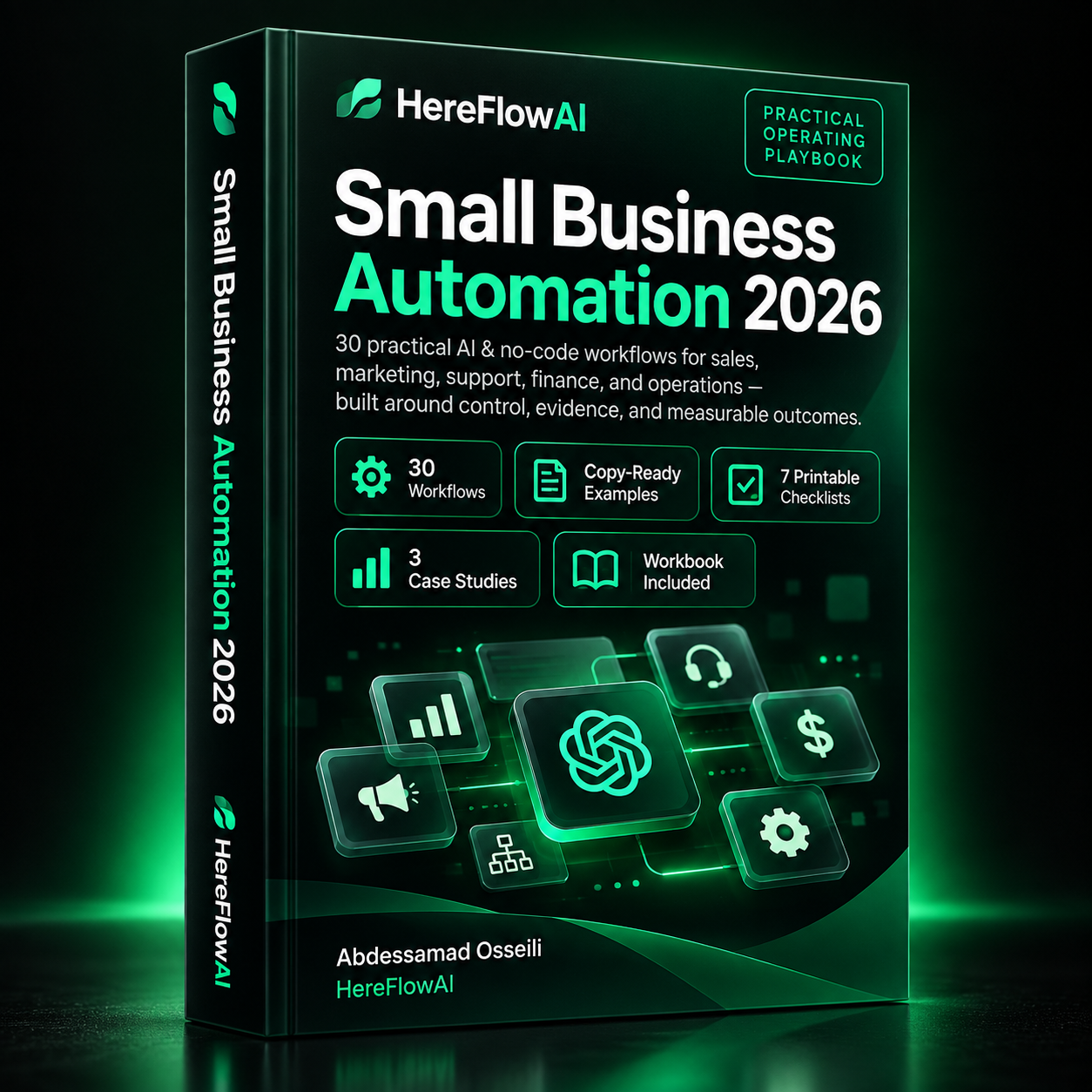
Small Business Automation 2026
Build reliable systems with 30 practical AI & no-code workflows across sales, marketing, support, finance and operations.
$14.99
LAUNCH PRICE
The “rules → AI → human” design pattern
A strong workflow often looks like this:
- Rules prepare the context: fetch the correct record, verify status, remove duplicates, enforce permissions.
- AI handles the language task: classify, extract, summarize, or draft.
- Rules validate the output: required fields, allowed labels, schema, confidence threshold, prohibited actions.
- Human reviews high-impact exceptions: money, legal, access, policy, safety, employment, irreversible actions.
- The workflow logs the result: source links, run ID, owner, final status.
Why structured output matters
Do not ask a model for “a good analysis” and then build automation around whatever prose comes back. Ask for a defined schema: category, reason, source reference, missing fields, recommended route, and confidence or review flag.
Structured output gives the next step something predictable to validate. If required fields are missing or malformed, the workflow can stop safely.
Design the fallback before the happy path
Test what happens when:
- the source record cannot be found;
- two systems disagree on status;
- the AI returns an unsupported label;
- a credential expires;
- the customer includes malicious or irrelevant instructions;
- the same event arrives twice;
- a person manually changes the record mid-run.
The workflow should know whether to retry, pause, create an exception, or stop. Silent failure is the dangerous state.
Data minimization is a design feature
Do not send an entire CRM record to an AI model when the task needs only three fields. Package the minimum context required for the step. This reduces privacy exposure, cost, prompt noise, and the chance that irrelevant information changes the output.
How much autonomy should you allow?
Start with a narrow permission model:
- Stage 1 — Read: the AI can inspect approved data.
- Stage 2 — Draft: it can prepare an output for review.
- Stage 3 — Low-risk action: it can execute reversible actions inside explicit limits.
- Stage 4 — Expanded action: only after real pilot evidence, monitoring, and ownership are in place.
Most small businesses can capture substantial value at Stage 2 or 3 without pushing every workflow toward full autonomy.
Use NIST as a risk lens, not paperwork
NIST’s AI Risk Management Framework is voluntary and intended to help organizations incorporate trustworthiness considerations across the AI lifecycle. For a small business, a lightweight translation is enough: govern who owns the system, map the context and risks, measure how it behaves, and manage what changes.
Related HereFlowAI guides
For broader automation, read Workflow Automation for Small Business. To compare platforms, see Small Business Automation Tools: Zapier vs Make vs n8n. For agent-specific architecture, see AI Agents for Business: Agent vs Chatbot vs Automation.
Sources and verification
FAQ
What is AI automation for small business?
It is workflow automation that uses AI for tasks such as classification, extraction, summarization, drafting, or contextual decision support while keeping business rules, permissions, and high-impact approvals controlled.
What small-business tasks should use AI?
Use AI where unstructured text is the bottleneck: support triage, lead intent, meeting notes, knowledge lookup, document extraction, research, and drafting are common examples.
What tasks should not be handed fully to AI?
Money movement, legal commitments, sensitive HR decisions, permission changes, data deletion, safety decisions, and irreversible customer actions should have explicit controls and authorized human approval.
| Decision type | Best layer | Example |
|---|---|---|
| Exact fact / threshold | Rule | Invoice paid? Stock below reorder point? |
| Unstructured language | AI | Intent, extraction, summary, draft |
| High-impact exception | Human | Refund, contract, permission change |
Small Business Automation 2026
Build reliable systems with 30 practical AI & no-code workflows across sales, marketing, support, finance and operations.
$14.99
LAUNCH PRICE



[…] AI Automation for Small Business […]
[…] AI Automation for Small Business […]
[…] guide to AI automation for small business explains this rules + AI + human-approval model in more […]
[…] For the broader framework, read AI Automation for Small Business: Rules, AI & Human Approval. […]
[…] For the broader framework, read AI Automation for Small Business: Rules, AI & Human Approval. […]