
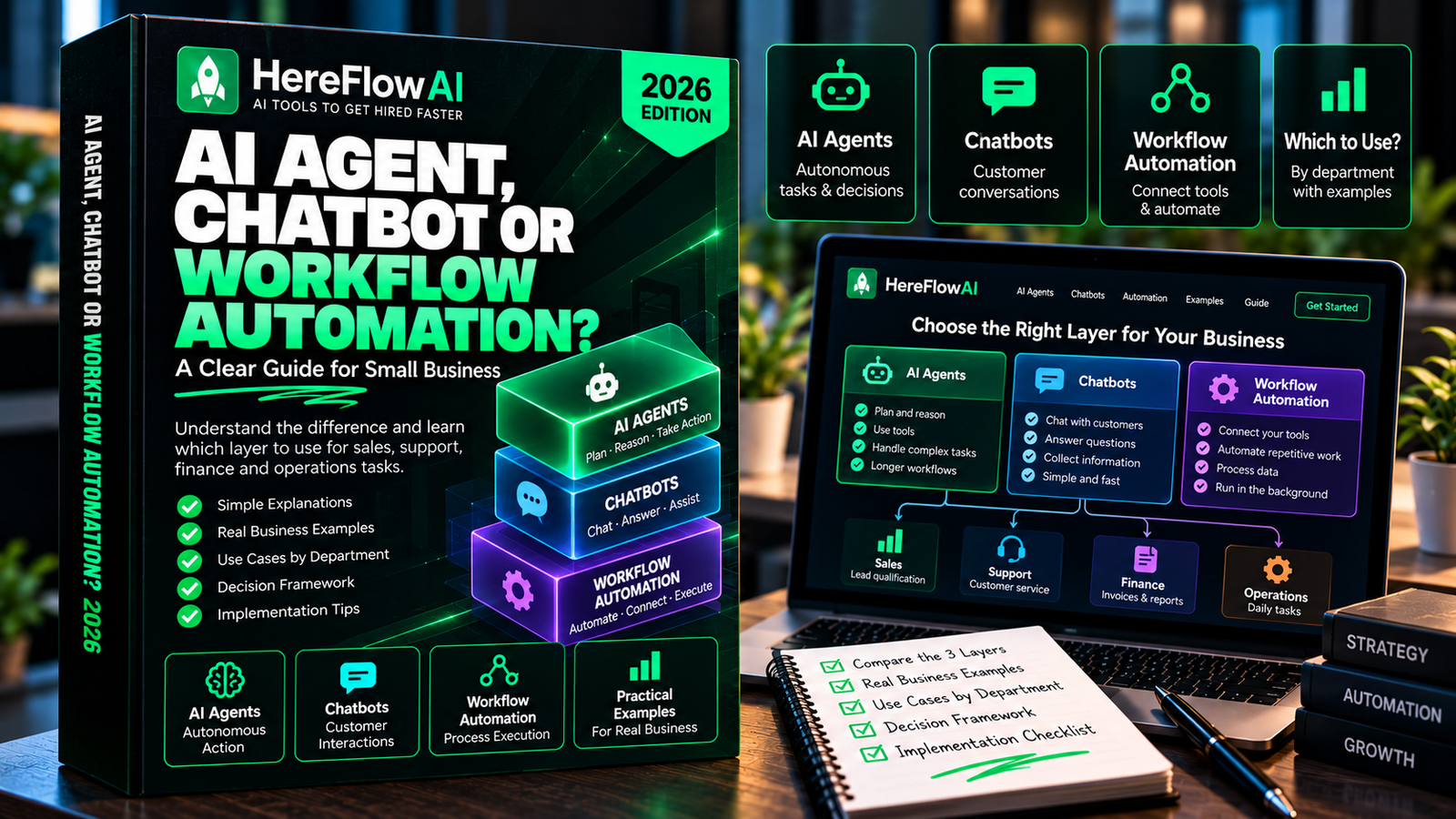

AI agents for business are not the same thing as chatbots or normal automation. A chatbot responds. A workflow executes fixed steps. An agent can interpret context and choose among allowed next actions. The mistake is assuming the most autonomous option is automatically the best.
For a small team, the right question is not “How do we add agents everywhere?” It is: which layer should handle this specific decision? Once you separate rules, language judgment, and human approval, the architecture becomes much simpler.
Business AI Agents: Assign Responsibility Before Access
Not all AI agents should take autonomous action. Map what each agent can read, what it may suggest and what requires human authorization. This matters for sending customer messages, issuing refunds, changing records or booking commitments.
Specify data retention, access controls, error logs and the person responsible for reviewing failures. Start with a narrow, low-risk pilot and measure completion quality plus monthly cost. Review small-business agent use cases and the automation assessment before scaling.
The three systems people keep calling “AI automation”
1. Chatbots: conversation first
A chatbot is strongest when the job is answering questions, collecting information, or helping a user navigate a known set of options. It may connect to a knowledge base or a few tools, but the center of the experience is the conversation.
Use a chatbot when: the user starts the interaction, the response can be reviewed in the conversation, and the workflow does not need broad independent action.
2. Workflow automation: rules first
Workflow automation starts from a trigger and follows explicit logic: when X happens, check Y, then do Z. It is ideal for dates, status, thresholds, field mapping, notifications, deduplication, routing, and predictable cross-app work.
Use normal automation when: you can write the rule before the event happens and you expect the same inputs to produce the same result.
3. AI agents: goal and tool use
An AI agent is useful when the workflow contains unstructured information and several possible next steps. It might read a support ticket, inspect account context, choose a response path, gather supporting information, draft a reply, and prepare an internal task.
Use an agent when: the hard part is interpreting language or context, the allowed tools are defined, and the system has a safe way to escalate uncertainty.
The autonomy ladder: choose the lowest level that works
Small businesses often jump from “manual” to “autonomous agent.” A better approach is to move up in levels only when the lower level cannot solve the job reliably.
- Native rule: a CRM assigns a lead by region.
- Cross-app automation: a form creates or updates a CRM record and alerts an owner.
- AI-assisted workflow: AI classifies the lead’s free-text message and drafts a summary.
- Tool-using agent: the system can gather context, choose among approved paths, and prepare actions across multiple tools.
Every level adds flexibility, but it also adds monitoring, permissions, failure modes, and review cost. The best design is the lowest-complexity layer that meets the requirement reliably.
Seven business decisions and which system should handle them
Lead assignment
Region, product line, territory, round-robin owner, and working hours are deterministic. Use rules. If a free-text message needs intent classification, add AI only for that field.
Customer support
Use AI to classify and draft. Use account data and entitlement rules to determine what the customer is eligible for. Require a person for refunds, policy exceptions, legal complaints, or account changes.
Invoice reminders
Use workflow automation. Before every reminder, re-check whether the invoice is paid, disputed, paused, or already in a human conversation. There is usually no reason for an agent to decide whether a balance is overdue.
Meeting preparation
This is a strong agent use case. The system can combine notes, email, CRM records, and project context into a brief. The agent should cite the records it used and keep missing information visible.
Research
Agents can collect and summarize information, but they need explicit sources, questions, and output structure. Open-ended “research everything” prompts create plausible noise. A source list plus a review step creates usable work.
Content repurposing
AI can transform an approved source into multiple drafts. The workflow should preserve the original claims and links, while a human reviews tone and publication readiness.
Purchasing and finance approvals
Let AI summarize a quote or flag missing fields. Let rules verify budget codes and thresholds. Keep purchase authorization with an approved person. Money-moving permissions should not be the first place you experiment with autonomy.
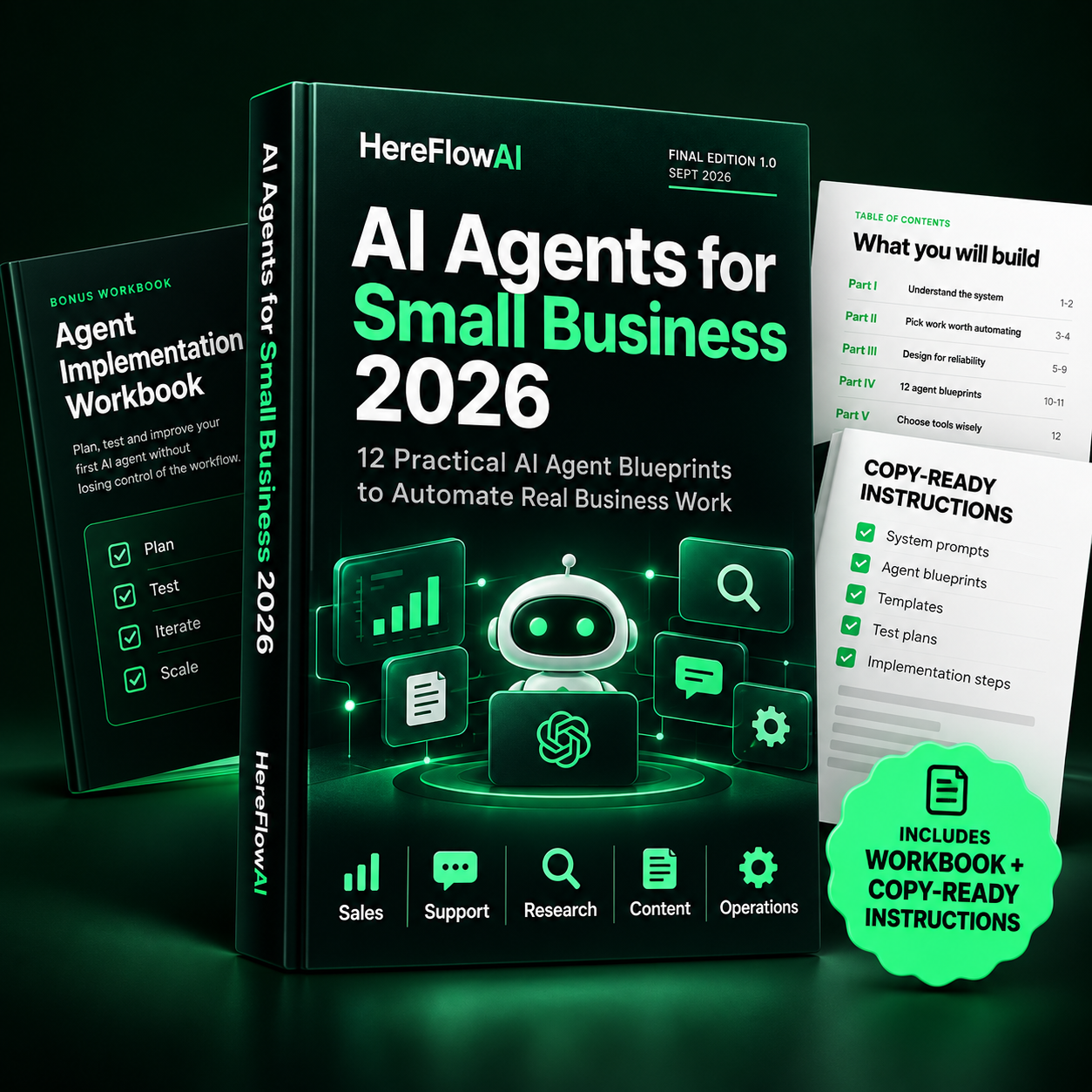
AI Agents for Small Business 2026
Go from ideas to controlled implementation with 12 practical AI agent blueprints built for real small-business work.
$14.99
LAUNCH PRICE
Why “agent everywhere” is usually the wrong architecture
Agents are probabilistic systems. They can interpret context better than fixed rules, but they also require boundaries. If you replace a clear rule with a model call, you gain little and lose determinism.
That tradeoff becomes expensive in three places:
- Permissions: broader tool access increases the blast radius of a mistake.
- Observability: a flexible chain of decisions is harder to debug than a known rule path.
- Maintenance: prompts, models, policies, connected apps, and business rules all change.
A practical “agent or automation?” test
Before you build, answer these questions in order:
- Can the source system handle this with a native rule?
- If not, can a deterministic cross-app workflow handle it?
- Is the difficult part unstructured language?
- Does the task need the system to choose among multiple approved next steps?
- Would a wrong action have a financial, legal, safety, employment, privacy, or irreversible impact?
If the answer to question 3 is “no,” AI may not be necessary. If question 4 is “no,” an AI-assisted workflow may be enough. If question 5 is “yes,” keep an explicit authorized-human approval gate.
The control stack that makes AI agents usable
A production agent should not be a hidden black box. At minimum, keep:
- a named owner for the workflow;
- a defined source of truth for status;
- minimum required permissions;
- a structured log of actions and reasons;
- an exception queue;
- a stop condition for missing or conflicting data;
- a versioned prompt or instruction set;
- a human gate for high-impact actions.
NIST’s AI Risk Management Framework emphasizes risk management throughout the AI lifecycle. You do not need enterprise bureaucracy to apply the principle: map the risk, measure what fails, assign ownership, and manage the system as it changes.
What this means for a five-person business
A five-person company may need only one agent and several normal automations. For example:
- a lead form triggers deterministic CRM creation;
- AI summarizes the message and classifies intent;
- a rule assigns the salesperson;
- an agent prepares meeting context once a call is booked;
- a human handles the commercial decision.
That architecture is less exciting than “an autonomous sales agent,” but it is easier to trust, test, and improve.
Related HereFlowAI guides
For concrete use cases, read AI Agents for Small Business: 12 Practical Use Cases. For a build plan, continue with How to Build an AI Agent for a Small Business. If the task does not need an agent, our small business automation guide shows how to choose a simpler workflow first.
Sources and verification
FAQ
What is the difference between an AI agent and a chatbot?
A chatbot is primarily conversational. An agent can use tools and choose among allowed next steps toward a goal.
What is the difference between an AI agent and automation?
Automation follows predefined rules. An agent can interpret unstructured context and decide which approved step to take next. Many production systems combine both.
Should a small business use AI agents?
Yes when there is a recurring, valuable, language-heavy workflow that can be reviewed and safely constrained. No when a simple rule or native feature solves the job better.
How much autonomy should an AI agent have?
Start with read-only or draft-only access. Expand permissions only after the workflow has passed realistic tests and the team can observe, reverse, and audit the outcomes.
| System | Best at | Main strength | Main risk |
|---|---|---|---|
| Chatbot | Conversation / Q&A | Simple interaction | Weak follow-through |
| Workflow automation | Rules / data movement | Predictability | Rigid with messy text |
| AI-assisted workflow | Classify / summarize / draft | Language handling | Needs validation |
| AI agent | Tool-using, multi-step work | Flexible decisions | Permission / observability |
AI Agents for Small Business 2026
Go from ideas to controlled implementation with 12 practical AI agent blueprints built for real small-business work.
$14.99
LAUNCH PRICE

