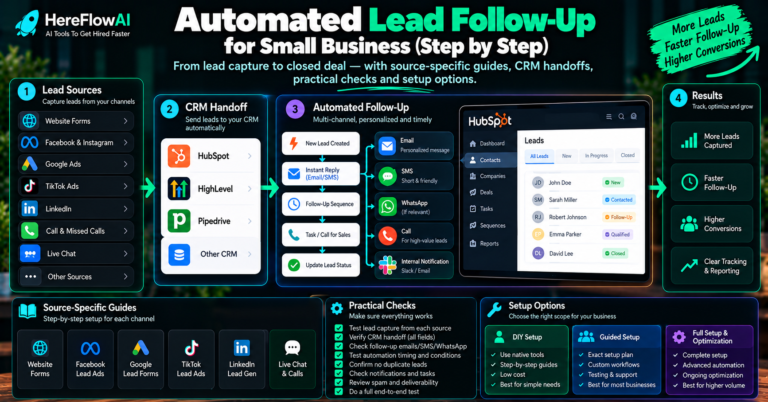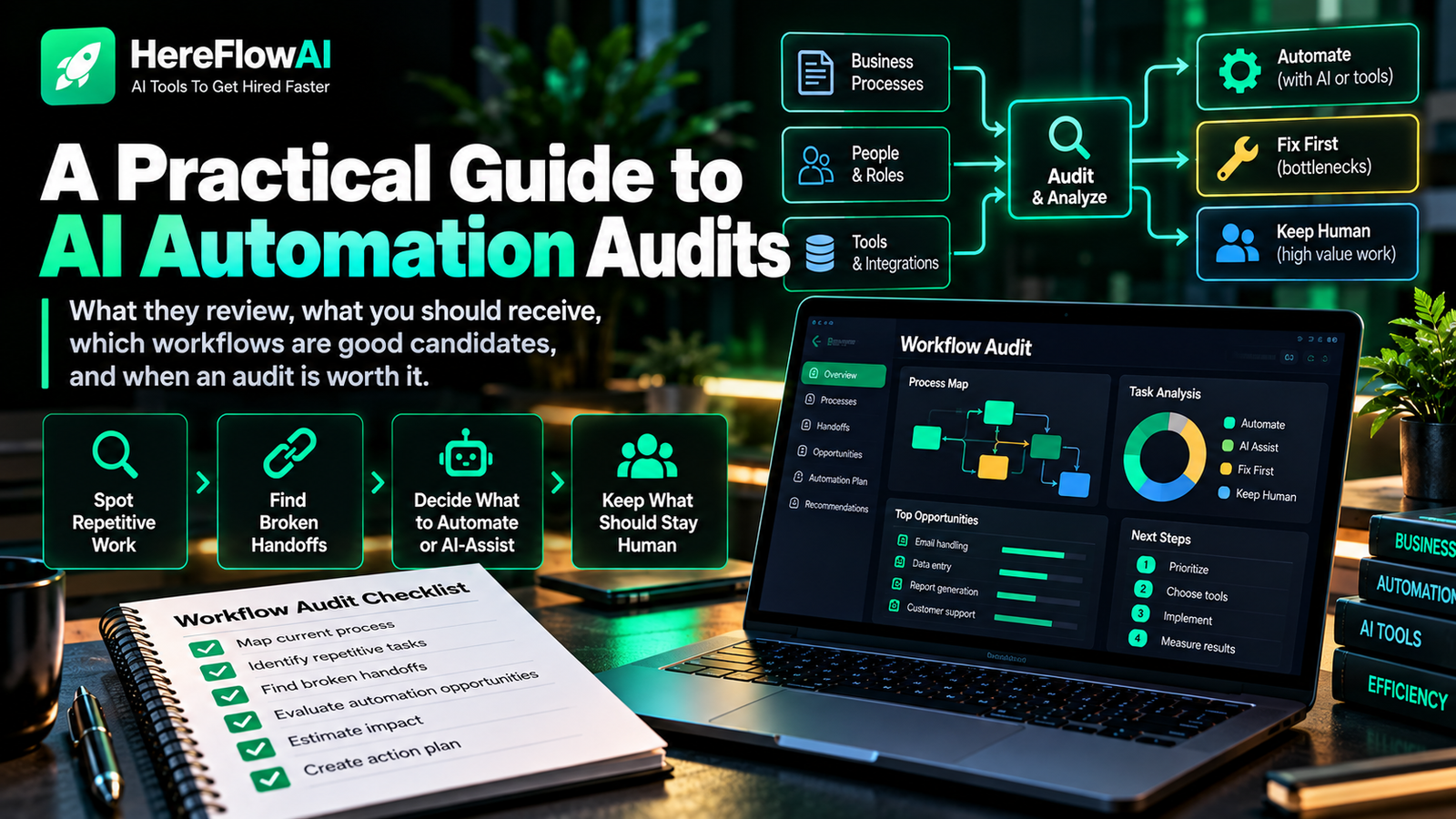

Quick answer: a business workflow audit follows one process from start to finish to find duplicate work, delays, manual handoffs, inconsistent decisions and automation opportunities. The goal is to understand the real workflow before changing tools or adding AI.
When a small business says “we need automation,” the problem is often not a lack of software. The real issue may be that work moves through email, spreadsheets, chat messages and memory with no single clear process.
A business workflow audit makes that process visible. Once you can see the trigger, steps, decisions, handoffs, systems, exceptions and outcome, it becomes much easier to decide what should be simplified, automated, AI-assisted or left under human control.
HEREFLOWAI SERVICE
Want a clear automation plan for one real workflow?
The $49 AI Automation Audit reviews one important business workflow and delivers 3 prioritized automation opportunities, a workflow blueprint, recommended tools, human-approval points and a practical implementation path.
What is a business workflow audit?
A workflow audit is a structured review of how a specific piece of work actually gets done. It does not document the ideal process from a policy manual. It documents the real process people follow today.
For example, a “new lead” workflow may look simple on paper:
- Lead submits a form.
- Sales reviews it.
- Sales follows up.
But the real workflow might include:
- Lead submits a form.
- An email lands in a shared inbox.
- Someone copies details into a spreadsheet.
- Another person creates the CRM contact.
- Sales receives a chat message.
- Someone decides whether the lead is qualified.
- A follow-up is scheduled manually.
- If nobody remembers, the lead sits untouched.
The audit reveals the gap between the simple story and the real work.
Why workflow audits matter before automation
Automation works best when the process has enough clarity to be turned into reliable rules, decisions and exceptions.
If you automate first, you may end up:
- Moving bad data faster
- Automating a step that should be removed entirely
- Building around a temporary workaround
- Creating fragile integrations between too many tools
- Removing human review from a decision that still needs it
- Measuring activity instead of useful outcomes
This is why a workflow audit should come before a complex automation build.
The 8 parts of a workflow you should audit
1. Trigger
What starts the process? A new message, payment, form, scheduled event, status change, file upload or customer request?
2. Inputs
What information is required? Where does it come from? Is it structured or inconsistent?
3. Steps
Write the real sequence, including manual copy-and-paste, spreadsheets, chat messages and workarounds.
4. Decisions
Separate deterministic rules from judgement. “If country = X, route to team Y” is different from “decide whether this complaint is serious.”
5. Handoffs
Every time ownership moves from one person or tool to another, check whether information can be delayed, duplicated or lost.
6. Exceptions
What happens when information is missing, a customer responds unexpectedly, a payment fails or the AI is uncertain?
7. Controls
Where should a human review, approve or escalate? For AI-enabled workflows, this should be explicit rather than assumed.
The NIST AI RMF emphasizes mapping context, measuring risk and managing it over time, which is a useful mindset when AI becomes part of a business workflow.
8. Outcome
What does “done correctly” mean? A workflow cannot be automated reliably if success has never been defined.
How to find repetitive work worth automating
Look for patterns rather than shiny tools. Strong automation candidates usually have several of these characteristics:
| Signal | Why it matters |
|---|---|
| High frequency | Small improvements repeat often |
| Digital inputs | Systems can access the information |
| Clear rules | Logic can be automated reliably |
| Manual re-entry | Easy source of wasted time and errors |
| Predictable handoffs | Tasks and notifications can be triggered automatically |
| Measurable output | You can test whether the change works |
| Low/controlled risk | Safer first automation candidate |
Examples of workflow problems an audit can reveal
Lead follow-up gaps
Leads enter through multiple channels, but only some make it into the CRM. The problem is not “we need AI.” The problem is inconsistent intake and ownership.
Duplicate customer data
The same information is copied into a spreadsheet, CRM and project-management tool. Automation may be able to create or update records automatically after one trusted input.
Slow internal approvals
A request waits because nobody knows who should approve it next. A workflow audit can identify the routing rule and escalation path.
Manual reporting
Someone downloads the same files every week, cleans columns and rebuilds a report. This is often a better automation candidate than a flashy customer-facing AI feature.
Support requests with no triage
Every message reaches the same inbox and is handled manually. AI may help classify and summarize requests while humans keep control of sensitive responses.
Workflow audit vs process map vs automation blueprint
| Deliverable | Main purpose |
|---|---|
| Process map | Shows the steps and flow |
| Workflow audit | Finds friction, risk, duplicate work and opportunities |
| Automation blueprint | Defines how the future automated workflow should operate |
| Implementation | Builds the automation in software |
A good automation audit often combines the middle two: diagnose the current state, then produce a practical future-state blueprint.
How to prioritize automation opportunities
After the audit, do not rank ideas only by how impressive they sound. Use a simple prioritization model:
- Frequency: how often does this happen?
- Effort: how much manual work is involved?
- Impact: what happens when the workflow is slow or missed?
- Clarity: are the rules and desired outcome clear?
- Complexity: how many systems and exceptions are involved?
- Risk: what is the consequence of a wrong output?
- Measurement: can you prove whether the change helped?
The best first automation is often not the biggest one. It is the smallest meaningful workflow where the value is visible and the risk is controlled.
Which tool should you choose after the audit?
Only after the workflow is clear should you compare tools.
- Zapier: strong for straightforward app-to-app workflows and teams that prioritize simplicity.
- Make: useful when you want visual branching and more complex multi-step scenarios.
- n8n: strong when flexibility, self-hosting options or deeper technical control matter.
- Native app automation: often underrated; your CRM, help desk or project tool may already include the feature you need.
- Custom API integration: useful when the workflow cannot be handled reliably by off-the-shelf connectors.
See our detailed comparison of small business automation tools before choosing a platform.
When AI belongs in the workflow
AI is most useful when the process contains language or unstructured information that normal rules struggle with. Examples include:
- Classifying incoming messages
- Extracting fields from documents
- Summarizing long customer threads
- Drafting a response for human approval
- Turning notes into structured CRM fields
- Identifying themes across feedback
AI should not automatically replace every decision. In many small-business workflows, the strongest design is a hybrid: deterministic automation for movement and rules, AI for interpretation, and a human for exceptions or high-impact approval.
Our guide to AI automation for small business explains this rules + AI + human-approval model in more detail.
When to get help with a workflow audit
You can audit simple processes yourself. External help becomes useful when:
- You have several competing automation ideas
- The workflow crosses many tools
- Different employees describe the process differently
- You are unsure where AI belongs
- You need an implementation-ready blueprint before hiring a builder
- You want a neutral recommendation on what should remain manual
HEREFLOWAI SERVICE
Want a clear automation plan for one real workflow?
The $49 AI Automation Audit reviews one important business workflow and delivers 3 prioritized automation opportunities, a workflow blueprint, recommended tools, human-approval points and a practical implementation path.
Frequently asked questions
What is the difference between a workflow audit and an automation audit?
A workflow audit focuses on how work moves today. An automation audit adds the question of which steps could be automated, AI-assisted or kept under human control. In practice, the two often overlap.
What should I audit first?
Start with one recurring process that is important, frustrating and easy to define from trigger to outcome. Lead follow-up, onboarding, reporting and customer-request handling are common starting points.
Do I need special software to audit a workflow?
No. A document, spreadsheet or simple diagram is enough. The value comes from accurately documenting the real process and the decision points.
Should a workflow audit include ROI?
It should include enough baseline information to compare effort, cost, risk and expected benefit, but avoid pretending that uncertain estimates are guaranteed savings.
What happens after the workflow audit?
The next step is usually one of four decisions: automate now, add AI assistance with review, fix the process first, or keep the workflow manual.