
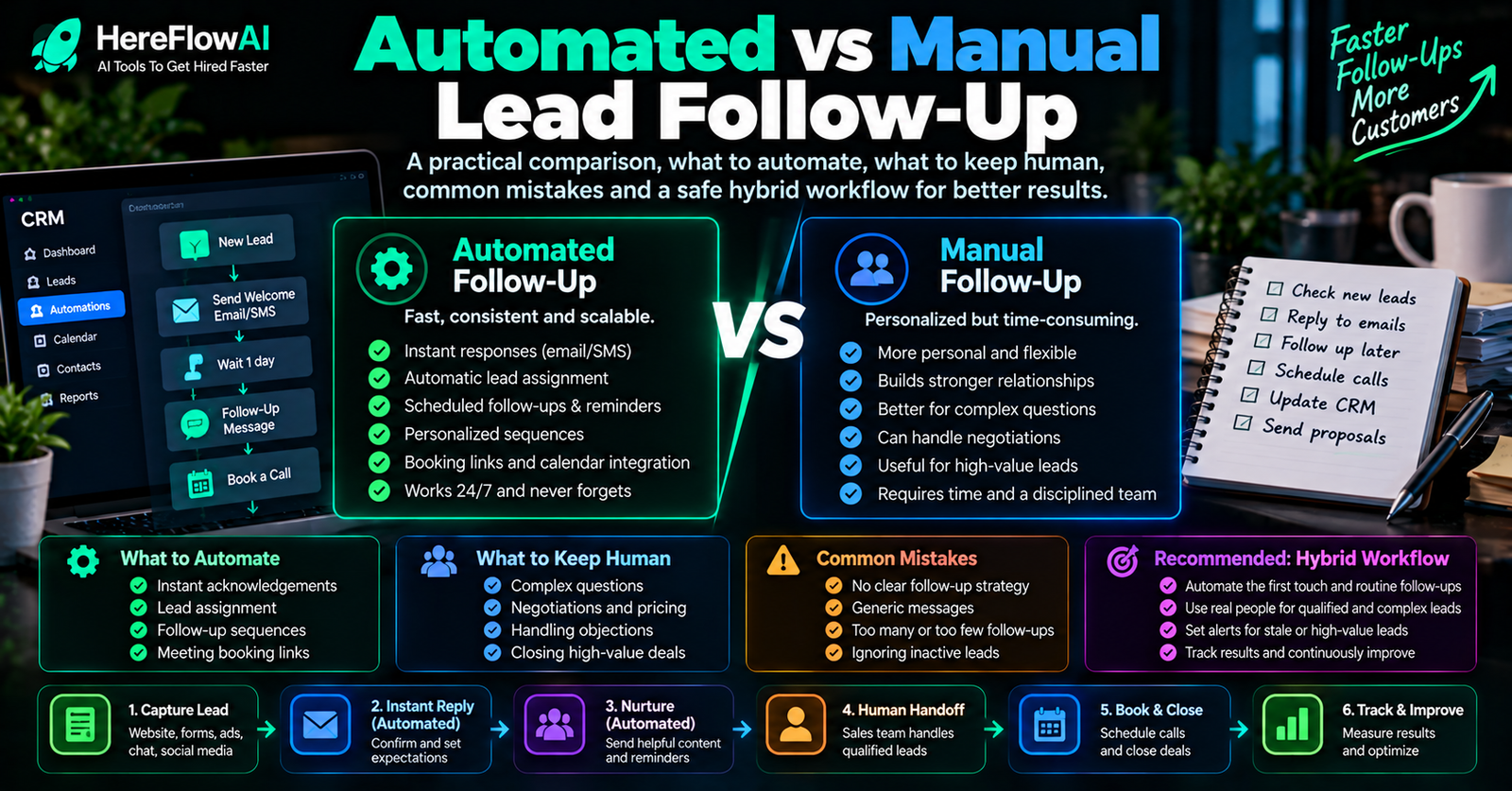

Quick answer: automated lead follow-up is best for predictable actions such as acknowledgement, record creation, reminders, routing and alerts. Manual follow-up is better for judgement, negotiation, sensitive questions and relationship-building. The strongest small-business workflow combines both.
The choice is not “automation or humans.” It is deciding which part of the process belongs to each.
HEREFLOWAI DONE-FOR-YOU SERVICE
Want the first lead handoff built for you?
The $149 Lead Follow-Up Automation Setup connects one lead source to one CRM or Google Sheets, sends an approved instant email follow-up, routes the lead, alerts the right person, tests the workflow and documents the handoff.
Automated vs manual lead follow-up at a glance
| Area | Automation | Human |
|---|---|---|
| First acknowledgement | Strong fit | Writes/approves the template |
| CRM data entry | Strong fit | Defines required fields |
| Basic routing | Strong fit | Defines ownership rule |
| Reminder creation | Strong fit | Acts on the reminder |
| Custom pricing | Weak fit | Strong fit |
| Negotiation | Weak fit | Strong fit |
| Complaint handling | Assist only | Strong fit |
| Exception handling | Escalate | Strong fit |
What automation does better
Consistency
A system does not forget because the day became busy. If the trigger is clear, it can perform the same step every time.
Speed
An acknowledgement can be sent as soon as the lead arrives instead of waiting for someone to check an inbox.
Data movement
Copying a name, source and request into a CRM or spreadsheet is usually not a good use of human time.
Visibility
Automation can create alerts, tasks and statuses so the next action is visible.
What humans do better
Judgement
Not every lead fits a simple rule. A person can interpret context, nuance and commercial risk.
Negotiation
Pricing, terms, objections and special requests often need authority and situational awareness.
Trust
Customers may want a real person when they are making an important purchase or explaining a complicated problem.
Exceptions
The best workflows make exceptions visible rather than pretending they do not exist.
The hybrid model that works for small businesses
| Automated zone | Human zone |
|---|---|
| Detect the new lead | Review the customer’s real need |
| Send approved acknowledgement | Ask follow-up questions |
| Create/update CRM record | Qualify nuanced opportunities |
| Route to owner | Quote and negotiate |
| Create reminder or alert | Resolve unusual cases |
| Stop sequence when booked/closed | Maintain the relationship |
When should you automate the first response?
- The message can be approved in advance.
- The lead source has reliable contact information.
- The business can make the same basic promise to every lead from that source.
- The message clearly says what happens next.
Do not automate it when the message would need to guess price, availability, eligibility or another fact the system cannot verify.
When should follow-up stay manual?
- The customer is upset or vulnerable.
- The lead requires complex qualification.
- The decision can create financial or legal exposure.
- The system would need to invent information.
- There is no safe escalation path.
A simple decision test
- Does the step happen the same way most of the time?
- Are the inputs clear and structured?
- Can the correct output be tested?
- Is the consequence of an error low or controlled?
- Is there a clear person to handle exceptions?
The more “yes” answers, the stronger the automation candidate.
Common automation mistakes
Automating a bad process
If the team cannot describe the workflow clearly, automation will usually make the confusion harder to diagnose.
Too many channels too early
Email, SMS, WhatsApp, voice and chat can all be useful. Adding all of them before ownership rules are stable creates complexity.
No stop conditions
Follow-up must stop when the customer replies, books, opts out or the opportunity closes.
No human escalation
A workflow should know when it is finished and when a person needs to take over.
Where AI fits
AI can summarize a long enquiry, classify intent or draft a reply. It should not automatically turn every draft into a sent message.
For the broader framework, read AI Automation for Small Business: Rules, AI & Human Approval.
Build the smallest useful version first
- One lead source
- One destination
- One approved acknowledgement
- One routing rule
- One owner notification
- One clear human handoff
This is the scope of HereFlowAI’s $149 Lead Follow-Up Automation Setup.
HEREFLOWAI DONE-FOR-YOU SERVICE
Want the first lead handoff built for you?
The $149 Lead Follow-Up Automation Setup connects one lead source to one CRM or Google Sheets, sends an approved instant email follow-up, routes the lead, alerts the right person, tests the workflow and documents the handoff.
10-minute action plan before you automate
- Pick one lead source that matters most.
- Write the exact first message a lead should receive.
- Choose one destination for the lead record.
- Name the person who owns the next step.
- Write one stop condition, such as booked, replied or closed.
If those five decisions are clear, the workflow is usually ready for a small first build. If they are not clear, map the process before adding more tools.
Not ready for automation yet? If you want to track contacts and follow-up dates manually first, our Excel CRM Template & Lead Tracker is an editable $19 spreadsheet with a pipeline dashboard, email scripts and SOP. It does not send automated messages.
Related Lead Automation Guides
Frequently asked questions
Is automated lead follow-up impersonal?
It can be if the messages are generic or overused. A short approved acknowledgement followed by a real human can improve consistency without pretending automation is the relationship.
How many follow-ups should I automate?
Start with one first response. Add timed follow-ups only after stop conditions work and the message has been approved.
Can automation replace a salesperson?
Not in the workflows described here. The goal is to remove repetitive handoffs and data entry so a person can focus on the conversation.
What is the best first automation?
New lead arrives, approved acknowledgement goes out, CRM or Sheet is updated, and the right person is notified.


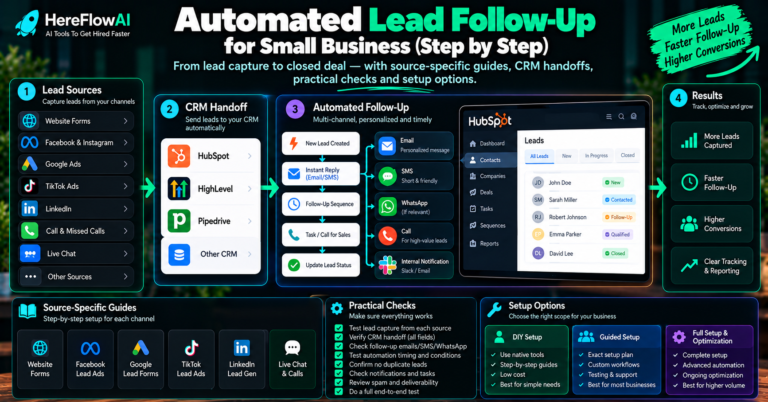
[…] Automated vs manual follow-up […]
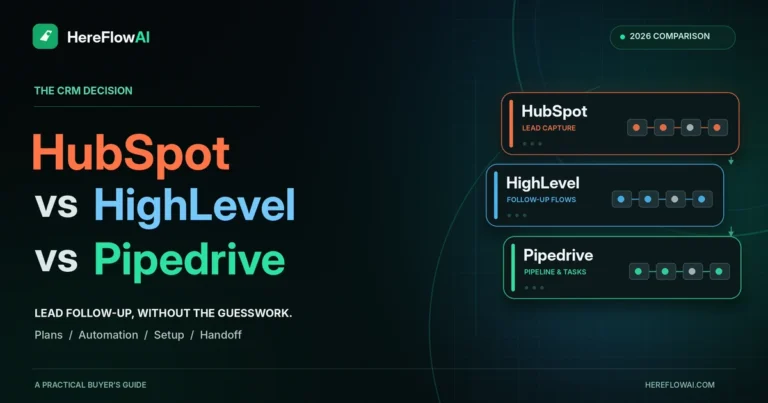
[…] Automated Lead Follow-Up vs Manual Follow-Up […]