


Workflow automation for small business is not about collecting more apps. It is about turning a recurring process into a controlled system: one trigger, one source of truth, clear rules, a named owner, visible exceptions, and evidence that the workflow completed correctly.
If you already read our guide on what to automate first, this article goes one level deeper. Instead of ranking ideas, it shows the implementation pattern behind 15 useful workflows and the failure path each one needs before you trust it.
Need help implementing one of these workflows in Make? See how to hire a Make.com expert for a project brief, provider checks, and delivery acceptance criteria.
Workflow Automation: Document the Manual Process First
Before automating an operation, list the trigger, input fields, decision rules, exceptions, responsible person and desired output. If the manual process is ambiguous, software will reproduce the ambiguity faster—not fix it.
Implement a small pilot, validate errors and duplicate events, estimate monthly tool costs and provide a manual fallback for outages. For a ready-to-run scoping sequence see our small-business audit checklist or n8n expert hiring guidance.
The six-part workflow pattern
Before choosing Zapier, Make, n8n, or any AI tool, write these six fields:
- Trigger: what event starts the workflow?
- Required inputs: what data must exist?
- Source of truth: where does the real status live?
- Action: what should happen when rules pass?
- Evidence: what proves the action happened?
- Failure path: retry, pause, route to review, or stop?
That design work matters more than the logo on the automation platform. A workflow that cannot explain its state is not production-ready.
15 workflow automation examples for small businesses
1. Web lead capture to CRM
Trigger: form submission. Source of truth: CRM. Validate required contact fields, search for an existing contact, create or update the record, preserve the original source, assign an owner, and alert only after the CRM write succeeds.
Failure path: if the CRM is unavailable, keep the original payload in a retry queue and alert an operator. Never discard the lead.
For implementation in Zapier, see how to hire a Zapier consultant for lead handoff, app integrations and repairs, including a brief and acceptance checklist.
2. Lead priority routing
Use explicit fields such as geography, service fit, timeline, and budget band for deterministic scoring. If the free-text message needs interpretation, AI can classify urgency or intent, but the final score formula should remain visible.
Failure path: malformed AI output falls back to rule-only scoring and a review flag.
3. Missed-call follow-up
A missed business call creates a callback task, matches the phone number to a known contact when possible, and sends a short acknowledgement only when consent and local rules allow it.
Failure path: messaging failure must not erase the callback task.
4. Proposal and quote follow-up
Before every reminder, re-read proposal status and recent inbound communication. Stop on accepted, declined, revised, paused, or customer-replied states.
Failure path: if status is unknown, do not send. Create a human task instead.
5. Appointment reminders and no-show recovery
Use the customer timezone, a single reminder source, and a clear reschedule/cancel path. After the meeting time, check attendance status before sending a no-show message.
Failure path: ambiguous attendance goes to review, not to an automated “you missed your appointment” message.
Using HighLevel for bookings and lead follow-up? Our GoHighLevel setup service guide explains how to scope the implementation and test booking changes before launch.
6. Dormant lead reactivation
Filter before you write copy. Exclude opt-outs, recent conversations, open deals, complaints, sensitive closed-lost reasons, and existing customers where the campaign does not apply.
Failure path: if the last known context is missing, route to review instead of sending a generic blast.
7. Content idea capture to editorial queue
Turn customer questions, sales objections, support themes, and research notes into a structured editorial queue with source, audience, intent, and owner fields.
Failure path: weak or unsourced ideas stay in an “unverified” state rather than becoming drafts automatically.
8. Review request after a confirmed success event
The key is the trigger. Ask for a review after a real completion or positive service event, not after an arbitrary delay. Respect opt-outs and platform policies.
Failure path: if success status is unclear, do not send.
9. Unified support inbox triage
Normalize email, form, and chat intake into one queue. Deduplicate the same incident across channels, classify the issue, assign an owner, and attach the original customer message.
Failure path: uncertain customer identity creates an unlinked case instead of merging into the wrong account.
10. New-customer onboarding orchestration
A confirmed sale can create the project, collect required documents, assign internal owners, send approved onboarding instructions, and track missing setup items.
Failure path: if the commercial record is incomplete, pause before sending promises or dates.
11. Client document intake
Capture the original file, identify the client/project, normalize the filename, route it to the right folder, and preserve the original. Low-confidence matches go to a review queue.
Failure path: never overwrite or discard an original document because classification failed.
12. Inventory reorder alert
Let deterministic rules watch stock, lead time, reorder point, and open purchase orders. The workflow can prepare a purchase request, but buying should remain behind approval.
Failure path: stale inventory data blocks the request instead of ordering on bad numbers.
13. Invoice reminder sequence
Schedule a daily state check, then re-read whether the invoice is paid, disputed, promised, or paused before every touch. Record each reminder.
Failure path: if payment status cannot be confirmed, stop and create a review item.
14. Weekly KPI snapshot
Pull metrics from their real systems, attach source links, calculate using deterministic formulas, and then summarize the exceptions or changes that deserve attention.
Failure path: if a critical source is unavailable, label the report “coverage incomplete.”
15. Executive exception report
Instead of sending a dashboard full of normal data, collect only items that breach a rule: overdue proposals, delayed projects, unresolved customer cases, overdue invoices, or failed workflow runs. Every item needs an owner and evidence link.
Failure path: unresolved automation errors stay visible until a person closes them.
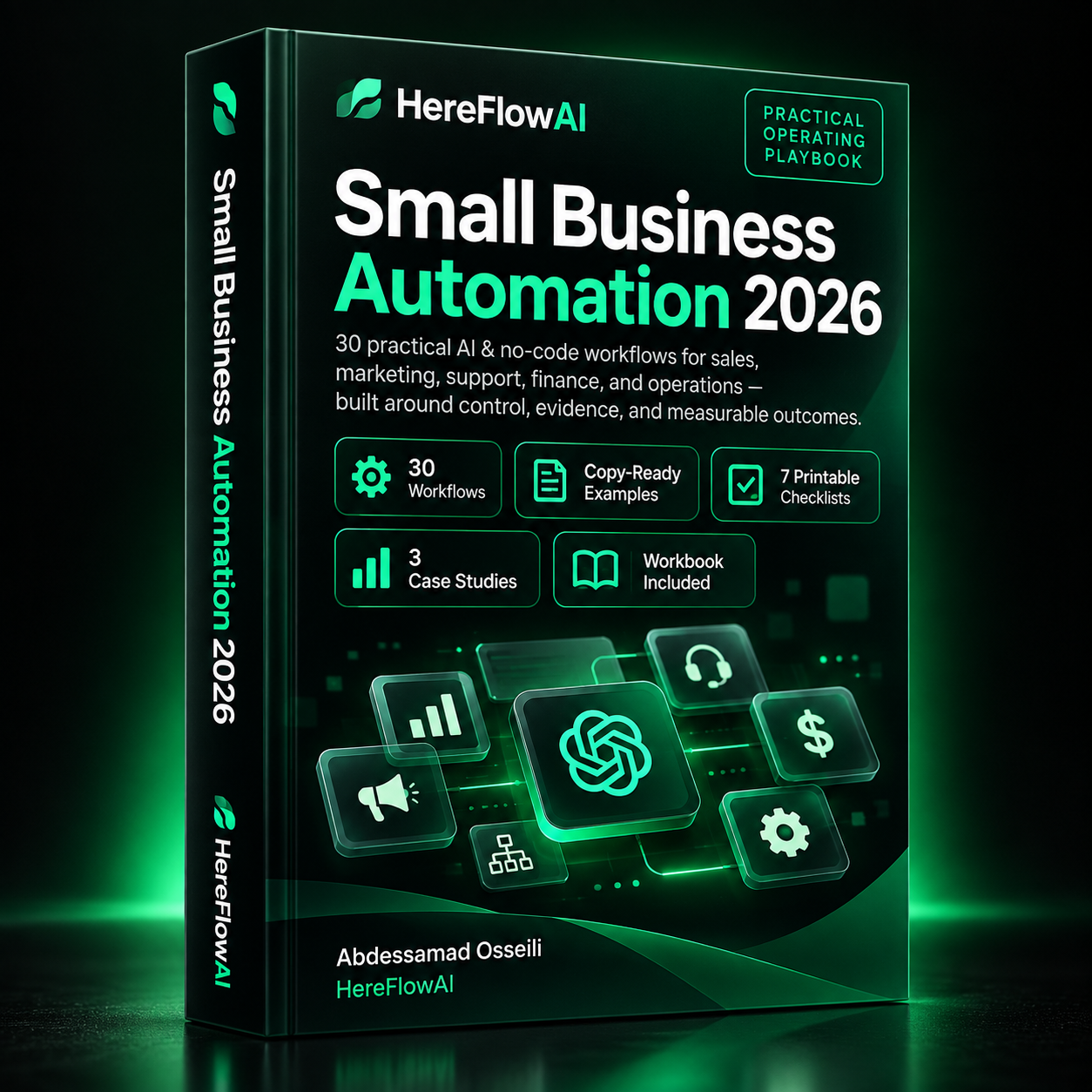
Small Business Automation 2026
Build reliable systems with 30 practical AI & no-code workflows across sales, marketing, support, finance and operations.
$14.99
LAUNCH PRICE
How to stop duplicate actions
Retries are normal. Duplicate side effects are not. Use stable IDs, dedupe keys, or a find-before-create pattern where the connected system supports it. Zapier’s official documentation, for example, describes search actions for finding existing data before later steps create or update records.
The practical test is simple: replay the same trigger twice. The second run should safely stop, update, or reuse the first result. If it creates a second customer, order, task, or payment side effect, the workflow is not ready.
How to design the exception queue
Every workflow needs somewhere for uncertainty to go. A useful exception record contains:
- workflow name;
- record or event ID;
- what already happened;
- what failed;
- who owns the exception;
- recommended next action;
- final resolution.
Platforms implement failure handling differently. Make documents a Retry error handler that can pause a failed bundle and preserve error context for retry. n8n provides execution history and retry options for failed executions. The interface differs; the operating principle is the same: preserve state and recover without guessing.
If you need a provider to implement or repair this in n8n, see our guide to hiring an n8n expert for a project brief and delivery checks.
What to measure after launch
Do not report “1,000 automated tasks” as success. Track the net business effect:
- manual minutes removed;
- review minutes added;
- exception rate;
- error rate;
- duplicate rate;
- time to ownership;
- the actual business metric the workflow should improve.
If a workflow saves six hours of copy-paste but creates four hours of exception cleanup, the net time returned is two hours.
Related HereFlowAI guides
For prioritization, start with Automation for Small Business in 2026: What to Automate First. If the workflow contains language judgment, read AI Automation for Small Business. If you are choosing a platform, see Small Business Automation Tools: Zapier vs Make vs n8n.
Sources and verification
- Zapier Help: Search for existing data in Zap workflows.
- Make Help: Retry error handler.
- n8n Docs: executions and retrying failed workflows.
FAQ
What is workflow automation for small business?
It is the use of software to run repeatable business processes from a defined trigger through rules, actions, evidence, and exception handling without relying on someone to remember every step.
What should a small business automate first?
Choose a frequent, stable, measurable process with digital inputs and low consequences when something goes wrong. Lead handoff, reminders, intake, reporting, and routing are common starting points.
Which workflow automation tool is best?
The right tool depends on the source system, trigger quality, branching complexity, permissions, retry behavior, monitoring needs, and who will maintain the workflow. Use the lowest-complexity layer that can do the job reliably.
| Workflow | Source of truth | Key control | Failure path |
|---|---|---|---|
| Lead capture | CRM | Dedupe key | Retry queue |
| Proposal follow-up | Proposal / CRM status | State check | Human task |
| Invoice reminder | Accounting system | Paid / dispute check | Stop + review |
| KPI snapshot | Source systems | Source links | Coverage warning |
Small Business Automation 2026
Build reliable systems with 30 practical AI & no-code workflows across sales, marketing, support, finance and operations.
$14.99
LAUNCH PRICE


[…] Read our Zapier, Make, and n8n comparison. For workflow planning, see small business automation workflows. […]
[…] broader test ideas, see our small business workflow examples. If the platform is still undecided, compare Zapier, Make, and n8n; buyers choosing Make can use […]
[…] more implementation ideas, see our small-business workflow examples. Choose one measurable journey before adding more […]
[…] small-business workflow examples can help you select a first project. Pick one frequent process with a clear start and […]
[…] our small-business workflow examples to select a bounded first project. Buying one complete, testable process is easier to assess than […]