
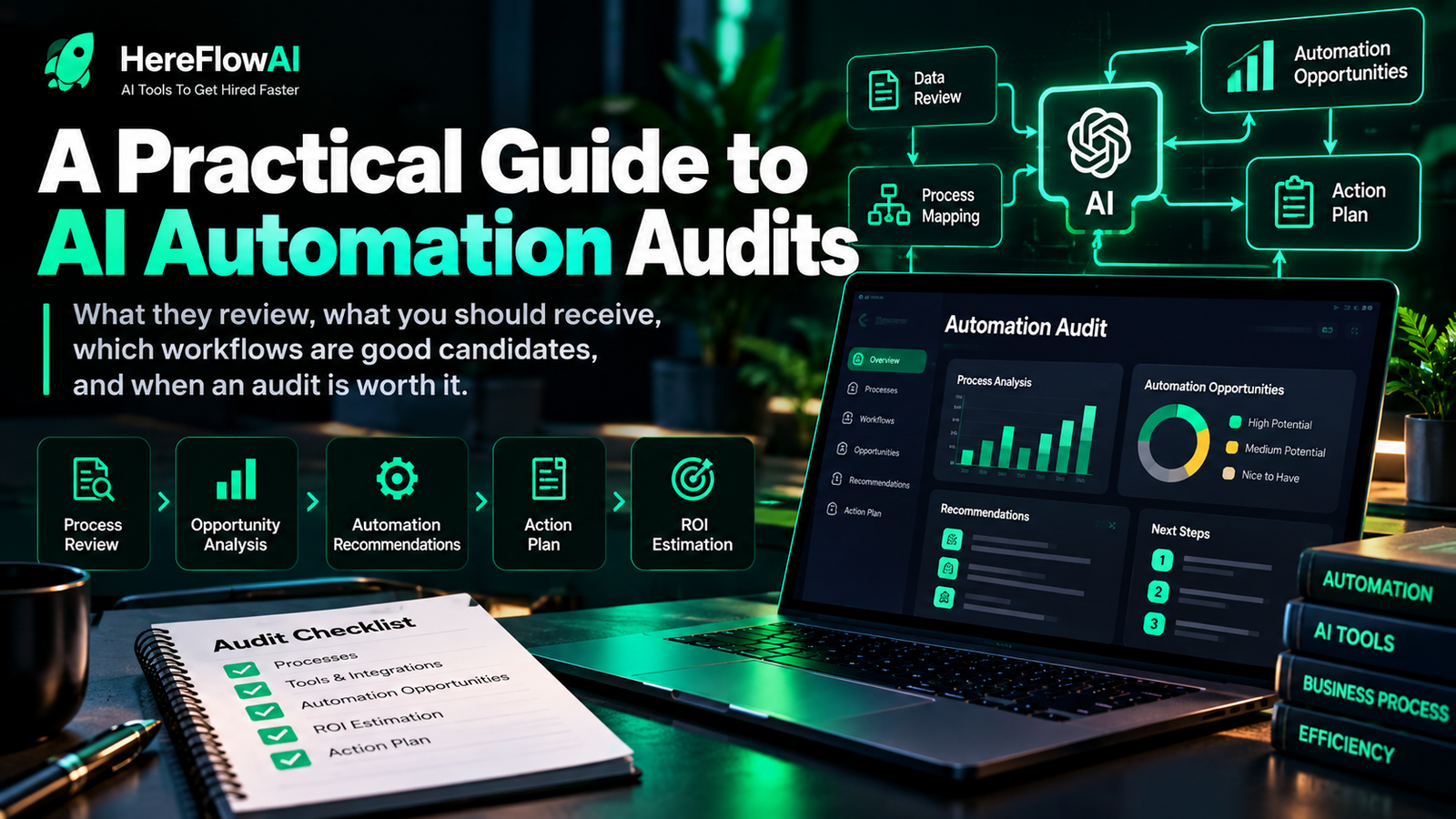

Quick answer: an AI automation audit is a structured review of one or more business workflows to identify which steps are worth automating, which should stay manual, where AI may help, and where human approval is still required. A useful audit ends with a prioritized plan, not a random list of tools.
Small businesses often start automation in the wrong place. They buy a chatbot, connect a few apps, or copy a workflow from a tutorial before they have answered a more basic question: which process is actually worth automating first?
That is the job of an AI automation audit. It looks at the work before the software. It maps how a task starts, where information comes from, what decisions happen, where delays or duplicate work appear, which systems are involved, and what a successful output should look like.
HEREFLOWAI SERVICE
Want a clear automation plan for one real workflow?
The $49 AI Automation Audit reviews one important business workflow and delivers 3 prioritized automation opportunities, a workflow blueprint, recommended tools, human-approval points and a practical implementation path.
What is an AI automation audit?
An AI automation audit is a diagnostic review of a real business process. The goal is to separate three things that are often mixed together:
- Work that can be automated with normal rules: moving data, sending notifications, creating records, updating spreadsheets or CRMs.
- Work where AI can assist: classifying text, summarizing messages, extracting information, drafting replies, or interpreting unstructured content.
- Work that should remain under human control: exceptions, high-impact decisions, approvals, sensitive customer situations, pricing changes, legal or financial judgement, or anything where accountability matters.
The audit should also identify when automation is not the right answer. Sometimes the real problem is an unclear process, inconsistent data, duplicated tools, or no agreed owner for the next step.
Why audit before buying automation software?
Automation tools are good at executing instructions. They are not automatically good at deciding whether the instructions make sense for your business.
If the workflow is already confusing, automation can make the confusion move faster. A broken handoff between sales and operations does not become a strong process just because Zapier, Make or n8n is added in the middle.
A pre-automation audit helps answer:
- Where does this workflow begin and end?
- How often does it happen?
- Which steps are repetitive?
- Where do people re-enter the same information?
- Which step causes delays or missed follow-up?
- Which decisions are rule-based and which require judgement?
- What should happen when the automation is uncertain or fails?
- How will success be measured after implementation?
If you are still deciding what to automate first, see our broader guide to automation for small business.
What should an AI automation audit include?
| Audit area | What it checks | Why it matters |
|---|---|---|
| Trigger | What starts the workflow | Automation needs a clear starting event |
| Inputs | Forms, emails, files, CRM records, messages | Poor inputs create poor automation |
| Steps | The real sequence people follow | Reveals duplicate work and bottlenecks |
| Decisions | Rules, judgement calls, exceptions | Shows where AI or humans belong |
| Systems | Apps, spreadsheets, inboxes, databases | Shows integration requirements |
| Handoffs | Where ownership moves between people or tools | Common source of delays and dropped work |
| Risk | Customer impact, sensitive data, failure consequences | Defines controls and approval points |
| Outcome | What a correct finished result looks like | Lets you test whether the automation works |
What deliverables should you expect?
A useful AI automation audit should produce decisions you can act on. Typical deliverables include:
1. A workflow map
This documents the process from trigger to outcome: who does what, which system is used, what information is needed, and where decisions or exceptions occur.
2. Prioritized automation opportunities
Not every possible automation deserves to be built. The audit should rank opportunities based on frequency, business impact, complexity, risk, and how clearly the result can be tested.
3. Recommended tool categories
The output may identify whether a workflow is better suited to a rule-based automation platform, an AI-assisted step, a CRM feature you already pay for, or a custom integration.
If you are comparing platforms, our guide to Zapier vs Make vs n8n for small-business automation explains where each type of tool fits.
4. Human-approval points
Good automation design does not assume every task should run without oversight. The audit should mark where a person reviews, approves, rejects or handles exceptions.
This aligns with a broader risk-management principle: the NIST AI Risk Management Framework organizes AI risk work around govern, map, measure and manage, and its guidance includes defining human oversight where appropriate.
5. An implementation path
The final plan should tell you what to build first, what to postpone, what to leave manual and what needs process cleanup before automation.
Which business workflows are good audit candidates?
The strongest candidates are usually repetitive, digital, measurable and important enough that improving them matters.
- Lead capture and lead routing
- Sales follow-up reminders
- CRM data entry and enrichment
- Customer support triage
- Appointment or booking workflows
- Invoice reminders
- Document intake and classification
- Internal reporting
- Content approval workflows
- Client onboarding
- Order or job-status updates
- Recurring data transfers between tools
For more examples, see AI automation for small business: rules, AI and human approval.
When is an AI automation audit worth it?
An audit is especially useful when:
- You know your team wastes time but you do not know which workflow to automate first.
- You are paying for multiple tools that do not work together.
- You have a process that depends too heavily on memory or manual follow-up.
- You want to hire an automation expert but need a clearer scope first.
- You already tried automation and it became fragile or hard to maintain.
- You want AI in the process but are unsure where human approval should remain.
When is an audit probably unnecessary?
You may not need a separate audit when the process is already simple, documented and obvious. If the requirement is literally “when this form is submitted, copy these fields into this spreadsheet and send one notification,” you may be ready to build immediately.
An audit becomes more valuable when the workflow has multiple systems, handoffs, exceptions, judgement calls, unclear ownership or competing automation ideas.
AI automation audit vs automation implementation
| Audit | Implementation |
|---|---|
| Diagnoses the workflow | Builds the selected solution |
| Prioritizes opportunities | Configures tools and integrations |
| Maps controls and approvals | Implements those controls |
| Defines what should happen | Makes it happen in software |
| Reduces scope uncertainty | Executes the chosen scope |
If you want to understand typical service models and costs, read AI automation services in 2026.
How to prepare for an AI automation audit
You do not need a technical specification. A plain-language description of the workflow is usually more useful.
Prepare:
- What starts the process
- What the team does next
- Which tools are involved
- What causes delays or repeated work
- What can go wrong
- Which decisions must stay under human approval
- What a good outcome looks like
Avoid sending passwords, API keys, payment details or sensitive customer information unless a secure implementation process specifically requires it. For a planning audit, those credentials should not be necessary.
HEREFLOWAI SERVICE
Want a clear automation plan for one real workflow?
The $49 AI Automation Audit reviews one important business workflow and delivers 3 prioritized automation opportunities, a workflow blueprint, recommended tools, human-approval points and a practical implementation path.
Take action: audit one workflow in 10 minutes
- Name one recurring workflow that frustrates you or consumes time.
- Write the trigger, steps and outcome in plain language.
- Mark every copy-paste, wait, handoff and judgement call.
- Choose one next decision: automate now, AI-assist with review, fix the process first, or keep it human.
If you cannot make that decision confidently, that is exactly where a focused automation audit is useful.
Frequently asked questions
How much does an AI automation audit cost?
Pricing varies widely based on scope. Some audits are bundled into consulting projects, while focused small-business audits can be sold as a fixed-fee diagnostic. HereFlowAI currently offers a focused one-workflow audit for $49; check the service page for the current scope.
Do I need to know which automation tool I want?
No. In fact, choosing the tool before understanding the workflow can lead to unnecessary complexity. Start with the process, then select the tool.
Can an AI automation audit recommend no automation?
Yes. A good audit should be willing to say “keep this manual,” “standardize the process first,” or “use a feature you already have” when that is the better decision.
Is an AI automation audit only for large companies?
No. A focused audit can be especially useful for small businesses because one broken handoff, missed follow-up process or repetitive admin workflow can consume a disproportionate amount of time.
What is the main goal of the audit?
To produce a clear, prioritized decision about what to automate, what not to automate, which controls are needed and what the first implementation step should be.


[…] and measure completion quality plus monthly cost. Review small-business agent use cases and the automation assessment before […]