

⚠️ Disclosure: This page contains affiliate links. If you buy through them, we may earn a commission at no extra cost to you.
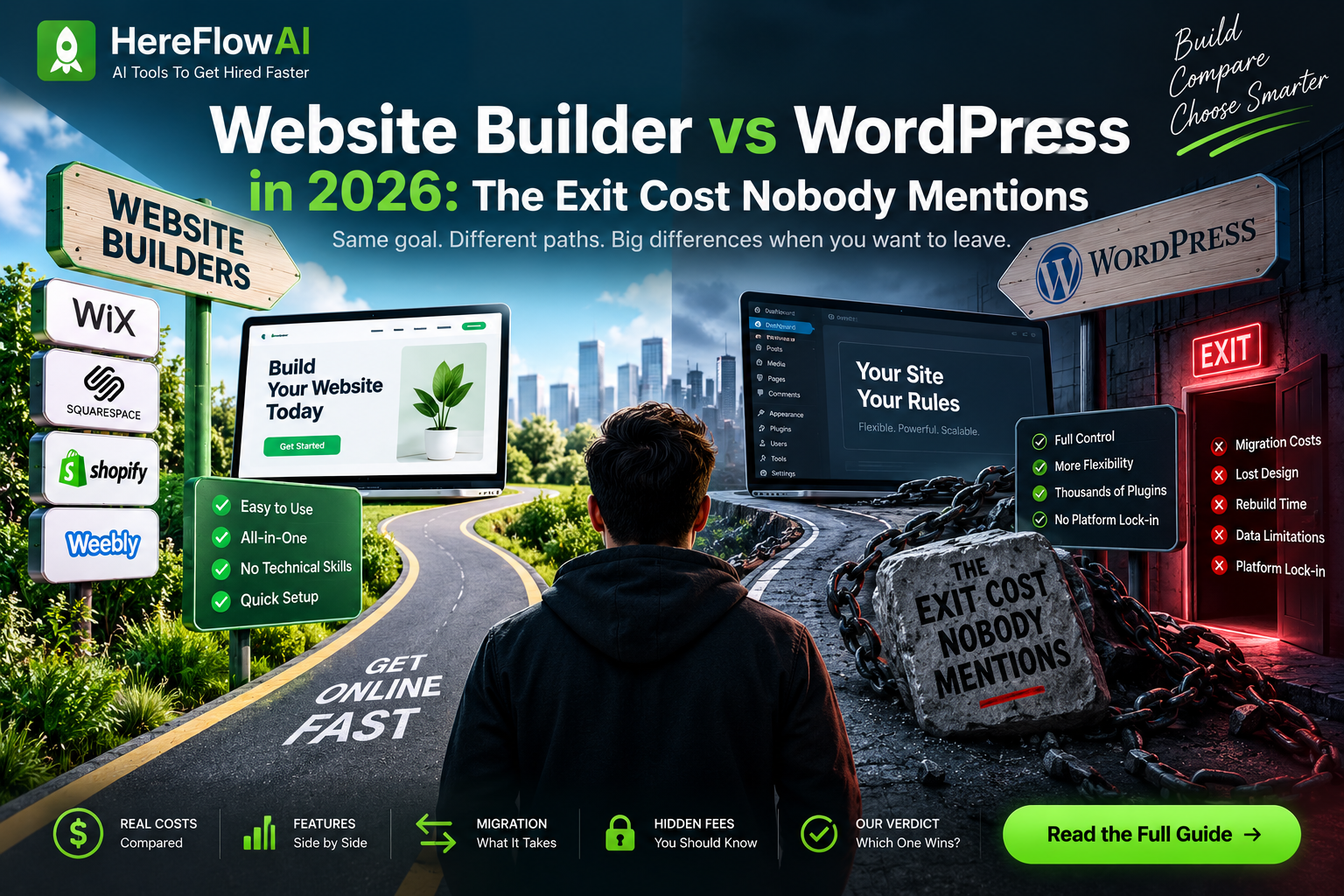
Every comparison of these two argues about ease of use. That debate was settled — website builders are easier, WordPress is more flexible, and in 2026 the gap has narrowed considerably.
The question that actually costs people money is different: what happens when you want to leave?
With WordPress, you export and move hosts in an afternoon. With most website builders, there’s no clean full-site export — you copy text by hand and rebuild the layout from scratch. Industry estimates put that rebuild at $2,000 or more.
💡 Short answer: builder for a small brochure site you’ll never outgrow. WordPress for anything meant to grow, rank, or sell. The cheaper option in year one is frequently the expensive one by year four.
Table of Contents
1. The Real Cost Over Four Years
Year one favours builders. That’s the whole marketing strategy.
| Phase | Website Builder | WordPress |
|---|---|---|
| Year 1 — base | $16–25/mo subscription | Free software + $2.99–30/mo hosting |
| Year 2 — add-ons | ~$15/mo per premium feature | Most equivalents free via plugins |
| Year 3 — transactions | Up to 2% on third-party gateways | WooCommerce takes 0% |
| Year 4 — outgrowing it | Full rebuild, $2,000+ | Move hosts, no rebuild |
| Typical annual total | $192–600+ and rising | $120–500 depending on plugins |
Research suggests 63% of business owners underestimate renewal costs by year three. The pattern is consistent:
Year 1 — the base subscription
Builders start around $16–25/month. WordPress software is free; entry hosting runs $2.99–30/month.
Year 2 — the add-on phase
Booking calendar? Around $15/month extra. Advanced forms? Another add-on. Each feature that was free on WordPress becomes a line item.
Year 3 — the transaction tax
Base tiers of several hosted builders apply a fee of up to 2% on sales processed through third-party payment gateways, pushing you toward their own processor or a higher tier. WooCommerce charges nothing.
Year 4 — the migration wall
Outgrow a closed platform and you’re rebuilding, not moving.
2. The Export Problem
This is the section most comparisons skip, and it’s the one that matters most.
What you can take with you
| Feature | Website Builder | WordPress |
|---|---|---|
| Text content | Copy manually | ✅ Full export |
| Images | Download individually | ✅ Full export |
| Page layouts | ❌ Rebuild from scratch | ✅ Transfers |
| URL structure | ❌ Rebuild | ✅ Transfers |
| Structured data / SEO markup | ❌ Rebuild | ✅ Transfers |
| Move to a different host | ❌ Not possible | ✅ Standard |
There’s no clean full-site export from most builders. You can retrieve your words and pictures. Everything else — the structure Google indexed, your URLs, your schema — gets rebuilt.
⚠️ The practical rule: leaving early is far cheaper than leaving late. A 5-page site is a weekend. A 60-page site with three years of rankings is a project.
3. Where Builders Genuinely Win
I’m not going to pretend WordPress is better at everything. It isn’t.
✅ Speed to launch. Template, edit, publish. Same day.
✅ Zero maintenance. Hosting, security, and updates run in the background. Nobody has to remember to update anything.
✅ One support channel. One company controls the whole stack. One ticket, one answer.
✅ Predictable for simple sites. A brochure site with five pages that never changes — a builder is genuinely the sensible choice.
Builders are the right answer when:
- The site is a digital business card
- Nobody on your team wants to learn a CMS
- You’re validating an idea and might abandon it
- Growth isn’t the plan
4. Where WordPress Wins
✅ Ownership. The software is yours. Move hosts whenever you like.
✅ Cost at scale. WordPress typically costs less once you compare matching features. 60,000+ plugins, most of them free.
✅ SEO control. Full access to URLs, schema, redirects, and technical settings. Builders limit what you can change.
✅ E-commerce economics. WooCommerce takes 0% of your sales. Proprietary platforms often take 1–2% unless you upgrade to a premium tier.
✅ It scales. From 10 orders a month to 10,000 without a platform change.
WordPress is the right answer when:
- The site drives revenue or leads
- SEO matters to your business
- You’ll sell products, especially with variations
- The site might be an asset you sell later
Full guide: Cheapest Web Hosting for Freelancers 2026 →
5. What Changed in 2026
Two shifts worth knowing:
Builders got better at SEO. The old argument that builders are SEO-hostile is outdated. They’re still more limited than WordPress, but they’re no longer disqualifying for a small site.
WordPress got easier. AI-assisted setup tools and modern block editing have narrowed the learning curve substantially. The “WordPress is too technical for beginners” argument is weaker than it was three years ago.
What hasn’t changed: portability. That gap is structural, not a feature someone will ship next quarter. A closed platform stays closed.
6. Which One Should You Pick
| Your situation | Pick this |
|---|---|
| 5-page brochure site, no growth plans | Website Builder |
| Validating an idea, might abandon it | Website Builder |
| Nobody wants to learn a CMS | Website Builder |
| Portfolio that attracts clients | WordPress |
| Blog or content site targeting SEO | WordPress |
| Online store with product variations | WordPress |
| Site you might sell as an asset | WordPress |
| Multiple client sites | WordPress |
The three-question test
- Will this site still exist in three years? No → builder is fine.
- Does it need to rank in Google for revenue? Yes → WordPress.
- Will you sell products with variations, or scale past a small catalogue? Yes → WordPress.
One yes to questions 2 or 3 means WordPress. Two noes means a builder saves you real time.
⚠️ The Mistakes That Cost the Most
| Mistake | What it costs |
|---|---|
| Choosing on year-one price alone | $1,000–10,000 in migration fees later |
| WordPress with no technical support | 2–4 week setup delays, plugin conflicts |
| Ignoring maintenance | Security vulnerabilities, broken plugins |
| Assuming you can export later | Most builders have no clean export path |
If you pick WordPress: budget for managed hosting or someone to handle updates. WordPress is free software with real maintenance obligations — weekly updates, monthly backups, occasional security review.
Final Verdict
Choose a builder if the site is small, static, and you’re confident it stays that way. The convenience is real and the cost is honest at that scale.
Choose WordPress if the site is a business asset — something that ranks, sells, or that you might sell. The extra setup effort buys you portability, and portability is what stops a platform decision becoming a $2,000 rebuild.
The one thing to avoid: picking a builder because it’s cheaper this year, then discovering in year three that leaving costs more than four years of WordPress hosting.
FAQ
Is WordPress better than a website builder?
For sites that need to grow, rank, or sell — yes. WordPress offers full ownership, portability, and lower long-term cost. For a simple five-page brochure site, a builder is easier and perfectly adequate.
Which is cheaper, WordPress or a website builder?
Builders are cheaper in year one. WordPress is usually cheaper by year three once builder add-ons and transaction fees accumulate. WordPress runs roughly $120–500/year for a typical small site; builders start at $16–25/month plus extras.
Can I move from a website builder to WordPress later?
Not cleanly. Most builders have no full-site export, so you copy text and images manually and rebuild layouts, URLs, and structured data. Industry estimates put the rebuild at $2,000 or more for an established site.
Is WordPress hard for beginners in 2026?
Less than it was. AI setup tools and block editing have narrowed the gap significantly. It’s still more involved than a drag-and-drop builder, but “too technical for beginners” no longer holds.
Do website builders charge transaction fees?
Several charge up to 2% on sales through third-party payment gateways on their base tiers, encouraging you to use their processor or upgrade. WooCommerce on WordPress charges nothing.
How much maintenance does WordPress actually need?
Plugin and core updates weekly, backups monthly, and a security review each quarter. Managed hosting handles most of this automatically.
Read next: Cheapest Web Hosting for Freelancers 2026 →
Also read: Hostinger Review 2026 →

[…] If you are still deciding between the two approaches, read our Website Builder vs WordPress guide. […]