
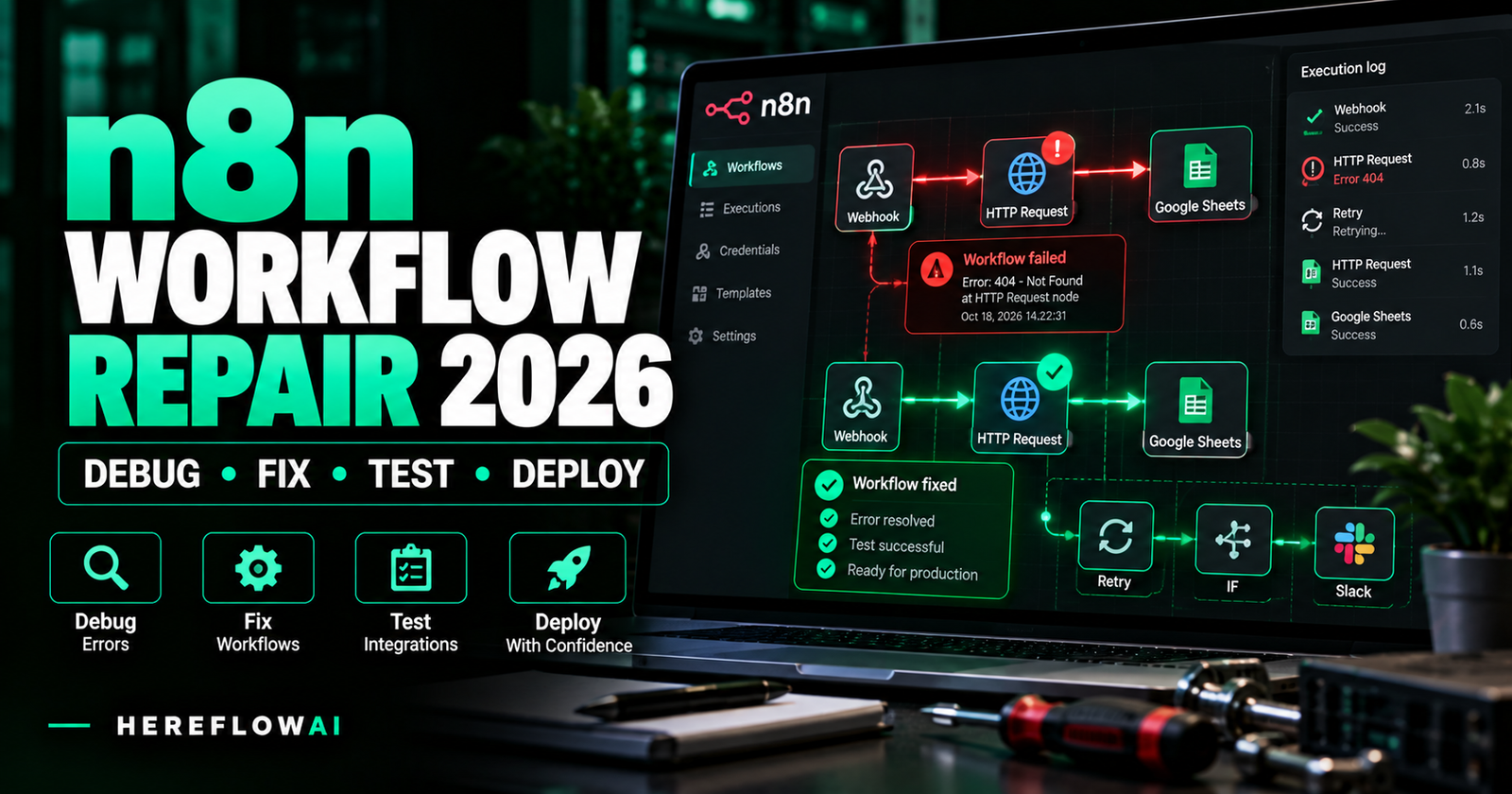

Research updated October 18, 2026. Need an n8n workflow repair service because your automation stopped, sends duplicate messages, drops CRM records or reports “success” with the wrong output? Start with a small, evidence-based diagnosis before paying for a complete rebuild. A repair specialist should prove which trigger, node, credential, mapping or external API is failing—and show that the correction works without creating new production errors.
Quick buyer verdict: For one identifiable n8n issue, ask a specialist to quote one root-cause investigation and one verified fix, not an unspecified “AI automation project.” Real public marketplace examples include a $45 Fiverr listing for a single-workflow diagnosis/fix and $60 or $120 starter offers on Upwork. A broader repair package can cost more. These are specific seller listings, not a market average, a HereFlowAI service price or a guarantee that every seller will deliver your scope.
This guide covers how to identify the failure, what to include in your brief, what a fair acceptance test looks like, when to repair versus rebuild, and the real extra costs of hosting, maintenance and risky retries. If you want a general automation specialist to build something new, read our separate Hire an n8n Expert guide. This article focuses on broken existing workflows and repair decisions.
BROKEN AUTOMATION? DEFINE THE FIX.
Avoid paying for a rebuild when one node is broken.
Gather the failed execution ID, expected output and last successful run. Agree on measurable acceptance tests and a rollback plan before authorizing work.
n8n workflow repair costs in 2026: actual public service examples
There is no credible universal flat fee for n8n debugging. The price depends on how many workflows are affected, access to logs, whether the failure can be reproduced, the number of external integrations, and whether you need testing, deployment or ongoing monitoring. The following prices are directly advertised by individual providers as of our research date—not independently verified outcomes.
| Public provider example | Listed price | Published scope | Before purchase |
|---|---|---|---|
| Fiverr: Armanhasib | $45 Basic; $95 Standard; $185 Premium | One broken workflow/root cause on Basic; deeper hardening or rebuild at higher tiers | Confirm limits, revisions and connected apps |
| Upwork: Abdullah Bugra T. | $60 Starter; $140 Standard; $280 Advanced | Diagnose/fix one defined error in Starter; larger debugging in bigger tiers | Check whether deployment is included |
| Upwork: Pankaj K. | $120 Starter; $300 Standard; $600 Advanced | One-workflow fix or multi-step audit/repair packages | Define success/failure cases in writing |
| n8n Community: fixed-scope offer | €300 published repair offer | One defect, a verified correction, rollback notes; excludes rebuilds | Check provider availability, taxes and payment protection |
Editorial note: These live listings establish that people sell workflow repair, not that one price is representative or that HereFlowAI has tested a seller. Listing prices, currencies, deadlines and availability can change. Use buyer protection and compare actual scope, not the lowest teaser price.
Typical buying mistake: treating diagnosis, code repair, production deployment and a month of monitoring as if they are one service. Many sellers split these into different packages, so ask for a written total cost.
Seven n8n failure patterns a repair service should investigate
| What you observe | Potential causes to test | Evidence to request |
|---|---|---|
| Webhook never starts | Test URL used in production; workflow unpublished; URL/auth changes | Published status, configured URL and test/production trigger request |
| HTTP 401/403 | Revoked OAuth grant, expired authorization, insufficient app permission | Redacted response and permitted credential/config check |
| HTTP 429 / timeout | Rate limit, slow upstream API, burst concurrency, bad pagination | Error status, frequency, retry policy and limit-aware test |
| Green execution, wrong records | Bad field mapping, no match key, truncated pagination, swallowed errors | Source-vs-destination comparison for controlled data |
| Duplicate emails or CRM rows | Webhook redelivery, two active flows, unsafe retries, missing unique key | One stable event ID and proof of idempotent update |
| Only some items processed | Execute Once enabled, branch filtering, missing paging, invalid expression | Input count, output count and skipped-item explanation |
| Works manually but not unattended | Production trigger, run schedule/time zone, missing credentials or disabled workflow | A real scheduled or external production event and its trace |
These are diagnostic hypotheses, not guaranteed causes. Use n8n’s Executions view to locate a specific failure and debug previous execution data when your plan and settings support it.
How to diagnose one broken n8n workflow before hiring
- Write the expected result. Example: “A new website form submission creates one HubSpot contact and sends one approved confirmation email.”
- Record what actually happened. Example: “The workflow shows Success but two contacts were created, or a contact never arrived.”
- Identify last good execution. Record the execution timestamp, ID, workflow version and any app updates since that run.
- Inspect the Executions tab. Review a failed run and the node immediately before the failure. Compare input/output data only in an authorized secure environment with sensitive values masked.
- Confirm the trigger. Check whether the workflow is published and whether external apps use the current production webhook or scheduled trigger.
- Use a redacted test sample. Reproduce the error in an inactive copy or staging setup; disable real sends/charges/orders while experimenting.
- Document the smallest plausible fix. Record the failed condition and what must be true after the correction. If a log is insufficient, label the cause “unconfirmed” and quote further diagnosis instead of guessing.
Important n8n behavior: The Webhook node has separate Test URL and Production URL. According to n8n documentation, the test webhook listens for a limited period while explicitly activated in the editor; the production endpoint is registered for a published workflow. Calling the wrong one can make an apparently healthy workflow look broken. Official webhook workflow-development guide.
How to fix n8n workflow errors safely: retries and error workflows
Node-level Retry On Fail vs Continue On Error
n8n’s node settings offer Retry On Fail and options including Stop Workflow, Continue and Continue using error output. These features affect whether downstream nodes run, what failure details are passed on and whether errors are treated as handled. The n8n node settings documentation explains the available options.
Do not blindly retry writes: Replaying a charge, sales email, stock adjustment or new order could duplicate a real-world action. Add a stable event/transaction key or an equivalent idempotency check and use a controlled test before enabling automatic retries. Selective retries for transient 429/5xx errors can be helpful, but behavior varies by node and platform response.
Workflow-level Error Trigger and alerting
For unattended automations, create a separate Error Trigger workflow for failed executions, link it in workflow settings and send relevant alerts to an authorized owner. Include workflow name, failed node if available, execution reference and safe error context. n8n also warns that manual tests don’t invoke Error Trigger like automated execution failures; verify a controlled automated failure, not only a manual editor run. Official error-handling guide and Error Trigger docs.
Not every node failure should be hidden with “Continue”. An automation that silently drops a customer’s record can be worse than one that stops and alerts. Your acceptance tests should examine both failure visibility and business outcomes.
Before rerunning old executions
n8n lets users retry failed executions or load past execution data, subject to settings and access. If the previous run already charged a customer, sent an email or created a partial record, replaying it may duplicate work. Confirm downstream state and isolate non-idempotent actions first. Back up the original workflow and record changes so rollback is possible.
Repair, rebuild, or migrate: which service should you buy?
| Situation | Better starting purchase | Why |
|---|---|---|
| One failing API node or bad expression | Scoped diagnosis + fix | Original business logic still works elsewhere |
| Unexplained errors, missing history | Investigation first | A fixed quote without evidence may hide cost and risk |
| Many brittle branches or abandoned code | Rebuild evaluation | Repairing individual nodes may cost more than controlled replacement |
| Need a new hosting environment | Hosting/migration quote | Requires backup, credentials, uptime and DNS/security planning |
| Several automations out of control | Audit + prioritized repair list | Separates critical failures from optional improvements |
When comparing total cost, add diagnosis + agreed repair + testing + release/handover + software/hosting + ongoing monitoring. Do not take a service quote that only covers a screenshot of the editor as proof that the production integration is fixed.
Copy this n8n repair brief to get better quotes
We need to repair an existing n8n workflow, not build a new automation. Its purpose is [trigger → apps → expected result]. The observed defect is [failed execution, duplicate action, wrong record or other symptom]. It last worked [date/time]. The environment is [n8n Cloud/self-hosted, version, affected app and relevant webhook mode]. Please quote (1) evidence-based root-cause diagnosis, (2) fixed-scope correction, (3) safe tests for one normal, one repeated and one failure case, (4) deployment/rollback, and (5) handover notes. State which tasks are excluded, your support window, dependencies and the separate fee for unrelated issues. We can initially provide sanitized screenshots, node names and redacted logs—no passwords, API keys or customer records.
Compare the proposals: Does the seller show a plausible diagnosis? Is production deployment included, or only a revised JSON file? Are webhook/credentials setup and rollback your responsibility? Do the tests cover duplicate side effects? Is post-fix support bounded in time? Ask all candidates the same questions.
FOR A SPECIALIST REPAIR — AFFILIATE MARKETPLACE
Compare n8n troubleshooters on Fiverr
Look for sellers who explicitly offer diagnosis, repair, duplicate prevention, reproducible tests and handover. Search “n8n workflow repair” or “fix n8n automation”; explain your defect before ordering.
Compare n8n Repair Experts on Fiverr →
Affiliate disclosure: HereFlowAI may receive a commission from eligible Fiverr referrals. The link goes to the Fiverr Marketplace; individual providers are not independently vetted or endorsed by HereFlowAI. Review current rates, conditions and buyer protection.
Five acceptance tests before paying the final repair balance
Set acceptance criteria at the start. Use staging, safe fake data and controlled endpoints rather than live customer data for destructive or duplicate-prone tests.
| Test | Action | What counts as a pass |
|---|---|---|
| 1. Normal execution | Trigger one controlled input | Exactly intended outputs + execution trace |
| 2. Duplicate event | Replay same safe ID/input in test environment | No second unintended email, order or CRM record |
| 3. Upstream failure | Simulate an authorized 429/5xx or unavailable API | Controlled retry/stop and visible alert according to brief |
| 4. Field mapping | Send new and known fake records | Correct values and destination associations |
| 5. Production readiness | Verify published status, current URLs, owners, backup and monitoring | Agreed smoke test, handover and rollback plan |
For an automation that touches payments, real orders or outbound customer messages, never run a production failure test that might cause unwanted external side effects. Confirm an approved safe testing strategy before making any changes.
What a professional n8n diagnostic report should contain
The minimum useful report identifies the specific evidence and the separation between what is proven and what is suspected.
- Context: workflow name, exact environment/version and which external application is involved.
- Symptom: expected versus observed output, first known failure and affected executions.
- Root cause: node or external dependency, supporting logs and confidence level (confirmed versus hypothesis).
- Repair plan: minimal change, approvals/access needed and other systems it could affect.
- Test evidence: redacted execution traces, exact inputs and observable outcomes.
- Risk and rollback: backup location, how to switch back and which automated actions must remain paused.
- Handover: revised workflow, owner permissions, maintenance notes, error alerts and remaining exclusions.
Do not accept a green “Execution succeeded” badge as the only proof. Compare the destination system’s actual state to the expected business result.
Should you change n8n hosting when a workflow breaks?
Usually not as the first step. A broken API field mapping or expired OAuth grant can happen on either managed n8n Cloud or self-hosted n8n. Migrate only when evidence points to infrastructure limitations—such as recurring resource exhaustion, unsupported deployment, system maintenance constraints or an actual platform requirement.
If migration is genuinely necessary, read our n8n hosting comparison and Hostinger VPS pricing guide. A Hostinger VPS may provide infrastructure for self-hosting n8n, but it does not automatically repair the broken workflow. Moving servers adds backup, runtime, domain, TLS, credential encryption, monitoring and version-migration responsibilities.
Compare the recurring hosting bill and renewal terms with the technical support and maintenance you would otherwise receive from a managed plan. If no one can operate a VPS securely, a cheaper server sticker price is not necessarily a cheaper solution.
Is the $149 HereFlowAI Lead Follow-Up Starter an n8n repair service?
No. HereFlowAI’s published $149 Lead Follow-Up Automation Starter creates one focused follow-up workflow for one supported lead source, one CRM/Sheets destination, an approved email, basic routing, notifications, testing and handover. It is not an open-ended n8n troubleshooting service and does not include repairs to inherited workflows, custom API development or ongoing maintenance.
For a planning decision rather than an immediate repair, the separate $49 AI Automation Audit examines one core business workflow and delivers prioritized opportunities and a blueprint. That planning product does not fix your workflow or guarantee implementation. For an urgent technical defect, request a specialist’s scoped repair quote.
Frequently asked questions about n8n workflow repair
How much does an n8n workflow repair cost?
It depends on the defect and scope. We found a public Fiverr example listing $45 for a basic one-workflow repair and Upwork service examples starting at $60 and $120, while wider packages were advertised at higher prices. These are individual listings at the research date, not average rates. Ask whether diagnosis, deployment and verification are included.
Can I fix n8n workflow errors myself?
Often yes for a clear problem, such as the wrong webhook URL or a simple field mapping error. Start with the Executions tab, official node documentation and controlled tests. Do not experiment with repeated charges, bulk email or orders on live systems.
Why does my n8n workflow work manually but fail in production?
Common areas to check include test versus production webhook URLs, published state, credentials, timing and external service permissions. The official Webhook docs explain that test and production behavior differ; inspect one specific production execution before concluding which cause applies.
Will retrying a failed execution create duplicates?
It can if earlier steps already performed an external side effect. Use stable IDs and safe replay tests, check downstream records before retrying, and scope idempotency protection with the repair specialist.
How do I know an n8n workflow repair is finished?
Require the agreed sample input to produce the expected output; a repeated event to avoid unintended duplicates; an error case to alert or stop as specified; and documented handover including credentials ownership and rollback. A successful editor run alone is insufficient.
Does n8n have automatic error alerts?
It provides an Error Trigger node and configurable error workflows that can send notifications when executions fail. The behavior varies with manual versus automatic runs and handled versus unhandled errors, so set up a controlled test and consult the current docs.
Can I safely send my n8n JSON export to a Fiverr freelancer?
Only after inspecting and sanitizing it. Workflow exports can contain endpoint URLs, literal tokens in some node parameters, customer-like sample data and commercially sensitive logic even when n8n doesn’t export its separately stored credentials by default. Remove secrets, private URLs and personal data; prefer platform collaborator permissions and least-privilege OAuth when actual access is required.
Should I move n8n to Hostinger VPS to repair it?
Not without an infrastructure-based diagnosis. Switching hosts doesn’t fix incorrect expressions or a revoked token, and self-hosting creates its own maintenance burden. Compare total cost and technical readiness first.
Verdict: buy a verified fix, not an unlimited promise
For most existing n8n workflow failures, start with one root-cause diagnosis, one documented correction and a small controlled acceptance suite. Escalate to a rebuild only if evidence demonstrates deeper problems. When choosing a freelancer, compare scope, testing, production rollout, warranty conditions and actual integrations rather than marketing language.
If the workflow is already failing, use the copy-ready request for quotation above and compare relevant n8n specialists before paying. If the project is broader than one repair, first decide whether a workflow audit or new implementation plan is appropriate.
Sources, disclosures and research method
Technical details reviewed October 18, 2026 from official n8n pages: executions and retries, workflow errors and notifications, test and production webhooks, node settings, debugging executions, and n8n security recommendations. Individual service examples were checked on the linked Fiverr/Upwork/community pages; listing rates are provider claims, not a study of market averages. HereFlowAI has not independently tested the sellers and may earn eligible Fiverr affiliate commissions through the labeled link; its $49 and $149 services are separate, explicitly bounded products. No claim of guaranteed outcomes, savings or revenue is made.


[…] for the outcome, not a number of nodes. For simple fixes use the n8n workflow repair guide; for migrations see Zapier to n8n migration requirements. Check any freelancer’s relevant […]