
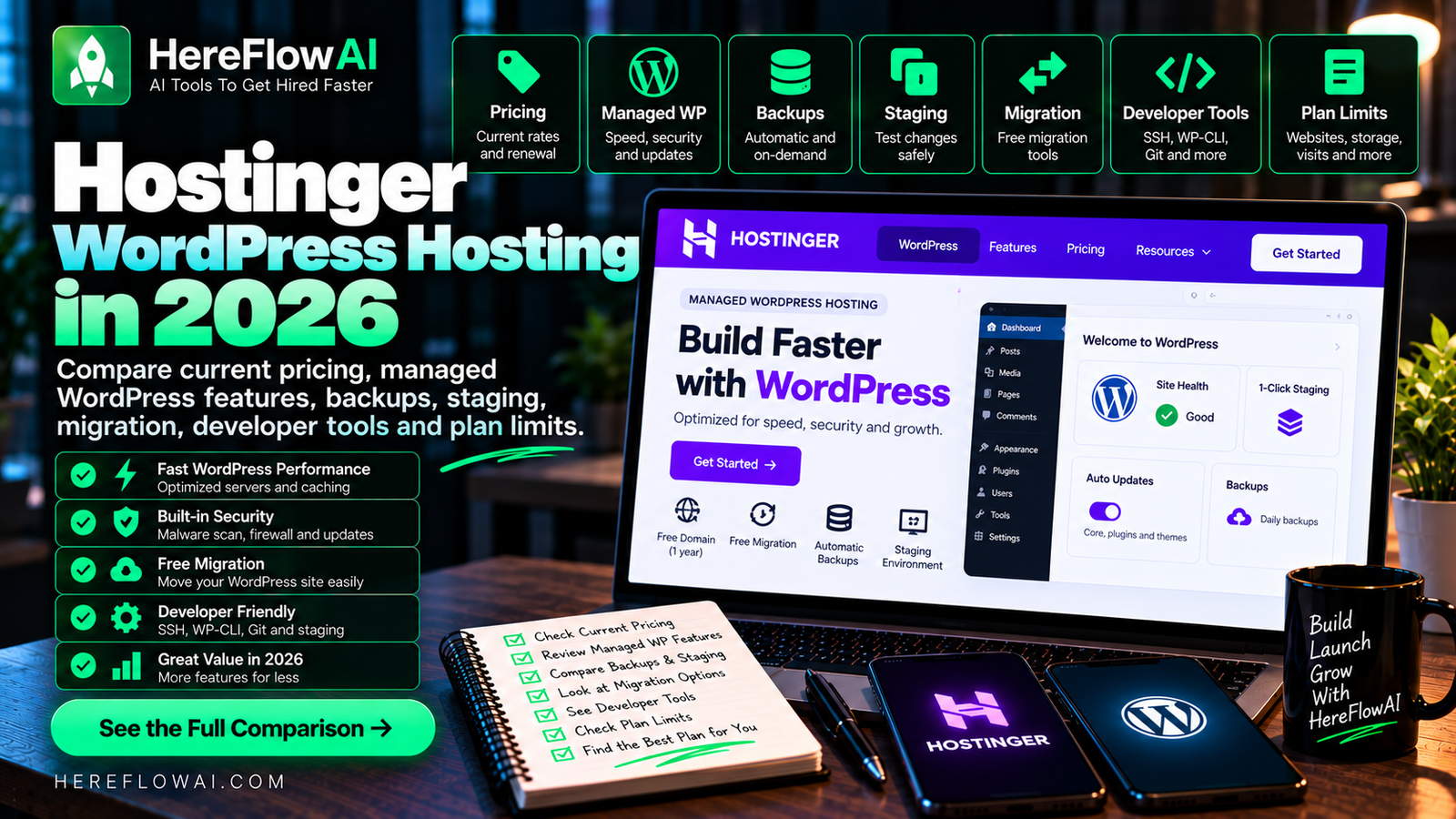

Updated October 2, 2026. This guide uses Hostinger’s current public managed WordPress pricing and current support documentation. Plan names, promotions and feature limits can change, so verify your final checkout before purchasing.
Affiliate disclosure: HereFlowAI may earn a commission if you purchase Hostinger through our referral link, at no extra cost to you.
Hostinger WordPress hosting is managed hosting built around WordPress rather than a separate unmanaged server. Hostinger handles core infrastructure tasks such as installation, automatic updates, backups, security and performance optimization, while you keep control of themes, plugins, content and site settings.
Hostinger WordPress Hosting: Which Plan Should You Actually Choose?
Decide by workload, not a discount badge. Check how many live sites you need, the frequency of backups, whether staging is included, storage requirements, expected visitor load and the renewal price after the introductory term. A small portfolio needs far fewer resources than a busy WooCommerce store.
Before checkout: calculate the total prepaid amount for the chosen term, check your country’s tax and renewal rate, and confirm whether the features you need are present in that exact plan. Compare our Hostinger pricing guide and current referral/coupon instructions.
Hostinger WordPress Hosting: Quick Comparison
| Plan | Intro | Renewal | Websites | Storage | Backups |
|---|---|---|---|---|---|
| Premium | $2.99/mo | $10.99/mo | 3 | 20 GB SSD | Weekly |
| Unlimited | $3.99/mo | $16.99/mo | Unlimited* | 50 GB NVMe | Daily |
| Cloud Startup | $7.99/mo | $25.99/mo | Unlimited* | 100 GB NVMe | Daily + on-demand |
*Unlimited website counts are still subject to Hostinger’s technical limits and fair-use policies. The prices above are monthly equivalents for prepaid terms.
Check Hostinger’s current WordPress hosting price →
What “Managed WordPress” Means at Hostinger
Hostinger’s support documentation defines managed WordPress as hosting where the provider handles much of the back-end administration for you. That includes WordPress installation, software updates, security tasks, backups and performance optimization.
You still control the parts that make the site yours: themes, plugins, content, design, SEO strategy and business integrations.
Current WordPress Features
- WordPress installation and setup.
- Automatic WordPress updates.
- Automatic website migration.
- LiteSpeed-based WordPress acceleration.
- Object caching on supported plans.
- Backups and restore tools.
- WordPress staging functionality on eligible plans.
- WP-CLI for command-line WordPress management.
- SSH access and Git integration.
- PHP version control.
- WordPress multisite support.
- WooCommerce optimization and ecommerce tools.
Premium: Best for a Small WordPress Site
Premium currently costs $2.99/month on a 48-month term, totaling $143.52 upfront before applicable taxes. It renews at $10.99/month.
The plan supports 3 websites, includes 20 GB SSD storage and weekly backups. It also includes a free domain for the first year, free SSL and two mailboxes per website free for one year.
Unlimited: More Relevant for Growing WordPress Sites
Unlimited currently costs $3.99/month on a 48-month term and renews at $16.99/month. It includes 50 GB NVMe storage, daily backups, CDN and a broader feature set than Premium.
For a site that changes frequently, daily backups are an operational upgrade over weekly backups.
Cloud Startup: For Higher-Resource WordPress Workloads
Cloud Startup currently starts at $7.99/month on a 48-month term and renews at $25.99/month. It includes 100 GB NVMe storage and daily plus on-demand backups.
WordPress Staging
A staging site is a private copy of your live WordPress site that you can use to test plugin updates, theme changes and code before pushing them to production.
Hostinger provides built-in staging on eligible WordPress hosting tiers. If staging is essential to your workflow, verify it on the exact plan you are buying.
Backups and Restore
Premium currently includes weekly backups, while Unlimited includes daily backups. Cloud Startup adds daily and on-demand backup options.
For a production site, the backup schedule should match how often your content, orders or customer data changes.
WordPress Migration
Hostinger provides an automatic migration workflow for WordPress sites. Its current documentation says a live WordPress migration can be submitted using WordPress administrator access, while offline sites can be migrated from backup files and a database.
Hostinger says migration requests can take roughly 2–48 hours to complete. After the migration, DNS propagation can take additional time.
Developer Tools
Hostinger’s current WordPress documentation lists WP-CLI, SSH access, Git integration and PHP version control among its WordPress development tools.
WordPress Performance
Hostinger uses LiteSpeed web servers and WordPress caching/optimization features. Your theme, plugins, database, image sizes, third-party scripts, caching configuration and visitor location still have a large effect on real performance.
Hostinger WordPress Hosting vs Hostinger AI Builder
- WordPress: better when you need the WordPress plugin/theme ecosystem, WooCommerce extensions, custom code or deeper CMS control.
- AI Builder: better when you want an integrated no-code workflow with less plugin management.
Read our Hostinger Website Builder review if you are deciding between those approaches.
If you would rather hire someone to build, fix or customize the site, compare current freelancer costs in our guide to hiring a WordPress developer.
What to Check Before Buying
- Count your sites. Premium supports 3; higher tiers support much more.
- Choose backup frequency. Weekly backups may be enough for a static portfolio but not for a frequently updated store.
- Check storage. Large media libraries can outgrow 20 GB faster than a text-heavy site.
- Verify staging. If staging is essential, confirm it on the exact tier.
- Look at renewal pricing. Do not budget only for the introductory rate.
- Check WooCommerce needs. A store with heavier traffic may need more resources than a basic blog.
Related Hostinger Guides
- Hostinger Pricing 2026
- Hostinger Coupon & Promo Code
- Hostinger Review 2026
- Hostinger VPS Pricing 2026
- Hostinger vs Bluehost
- Hostinger vs DreamHost
FAQ
How much is Hostinger WordPress hosting?
Hostinger’s current global managed WordPress pricing starts with Premium at $2.99/month on a 48-month term. Unlimited is $3.99/month and Cloud Startup is $7.99/month on comparable long-term pricing.
Is Hostinger WordPress hosting managed?
Yes. Hostinger describes its WordPress hosting as managed hosting where it handles infrastructure tasks such as installation, updates, security, backups and performance optimization.
Does Hostinger include WordPress staging?
Hostinger provides built-in WordPress staging on eligible plans. Check the exact current plan because staging availability can vary by tier.
Does Hostinger migrate WordPress sites?
Yes. Hostinger provides an automatic WordPress migration workflow and also supports migration from backup files and databases.
Does Hostinger support WP-CLI and SSH?
Yes. Hostinger’s current managed WordPress documentation lists WP-CLI, SSH access and Git integration among its developer tools.
Is Hostinger WordPress hosting the same as the Website Builder?
No. WordPress hosting runs the WordPress CMS and its plugin/theme ecosystem. Hostinger AI Builder is Hostinger’s separate no-code website and web-app builder.
Sources checked October 2, 2026: Hostinger official managed WordPress product page and Hostinger support documentation for managed WordPress, staging, backups and migrations.



[…] If your main project is WordPress, read our Hostinger WordPress Hosting guide. […]
[…] feature and trade-off analysis, read our Hostinger review. If your project is WordPress, see our Hostinger WordPress hosting guide; if you need server-level control, see Hostinger VPS pricing. If you are comparing providers, see […]
[…] If your project is mainly WordPress and does not need cloud-level resources yet, compare the lower tiers in our Hostinger WordPress Hosting guide. […]
[…] Hostinger WordPress Hosting 2026: Pricing, Features & Review […]
[…] Hostinger WordPress Hosting 2026: Pricing & Features […]
[…] WordPress hosting or a flexible VPS—these require different levels of technical work. Read the managed WordPress guide and Hostinger review for concrete requirements before opening checkout. A sale badge alone does not […]
[…] For small WordPress sites, compare actual migration support and ease of managing updates. See Hostinger full-term costs and the managed WordPress features. […]