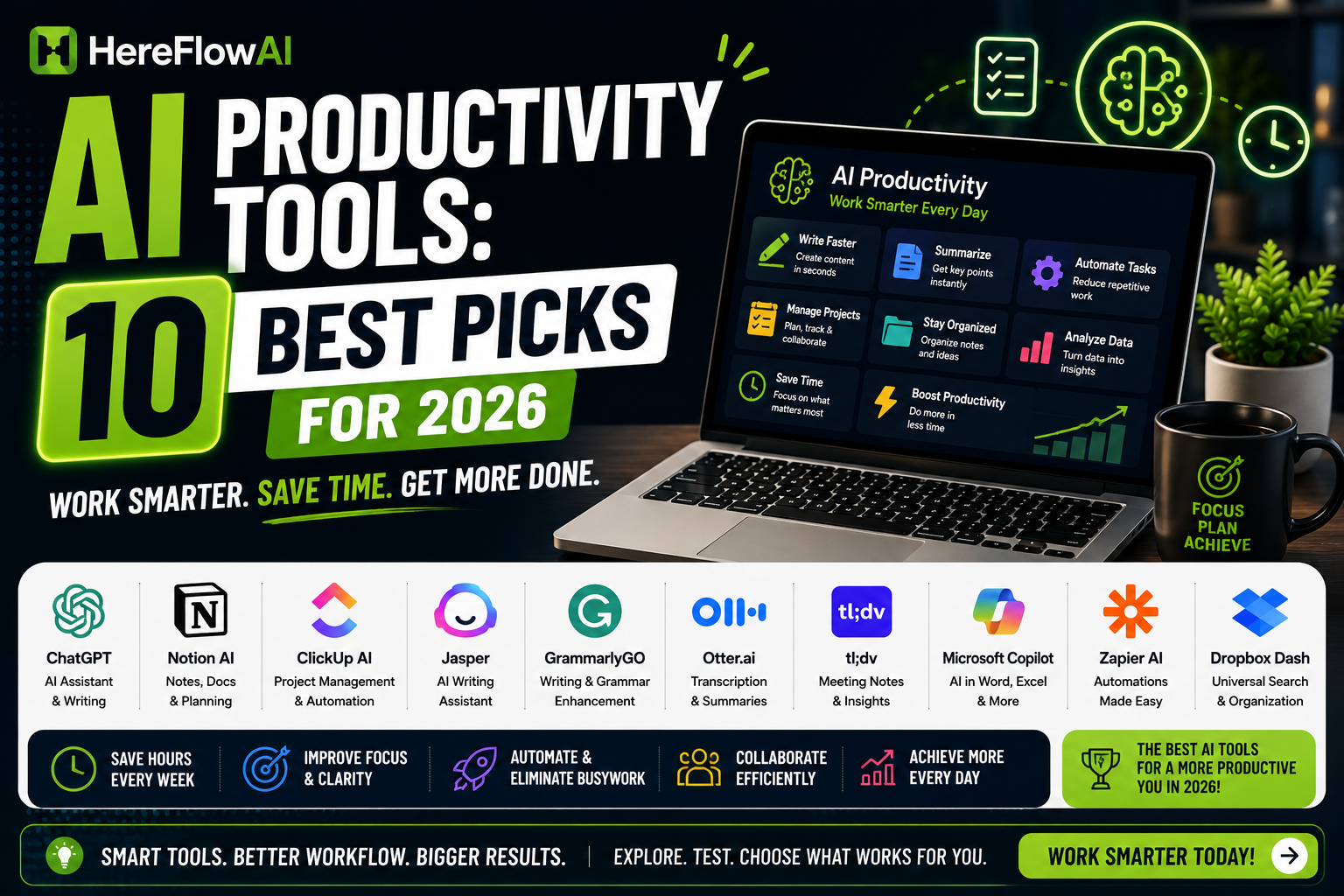

The best AI productivity tools in 2026 can do much more than write emails or summarize text.
They can research information, organize projects, take meeting notes, automate repetitive tasks, edit videos, improve writing, create designs, and help you move from an idea to finished work much faster.
But there is a problem.
Almost every productivity app now claims to have AI.
That does not mean you need all of them.
For most people, the smartest approach is to choose a small AI stack based on the work you actually do. A writer needs a different setup from a designer. A freelancer managing clients has different needs from a job seeker or remote employee.
In this guide, we break down 10 AI productivity tools that solve real workflow problems in 2026.
How We Chose the Best AI Productivity Tools
We did not rank tools simply because they have an AI button.
Each tool in this guide had to solve at least one clear productivity problem:
- writing and communication
- research
- document analysis
- project organization
- task automation
- meetings and transcription
- content creation
- design
- video or audio editing
We also considered whether a tool can realistically replace several smaller apps or reduce repetitive manual work.
That distinction matters.
A useful AI productivity tool should save you time or improve the quality of your work. If using the AI takes longer than doing the task yourself, it is not improving your productivity.
1. ChatGPT — Best Overall AI Productivity Tool
ChatGPT is the most flexible tool on this list because it can fit into almost any workflow.
You can use it to:
- draft emails
- summarize documents
- analyze files
- brainstorm ideas
- research topics
- organize information
- create plans
- rewrite text
- work with data
- generate images
- solve technical problems
The Free plan provides access to core ChatGPT capabilities, while paid plans offer broader access and higher limits. OpenAI also continues to expand research, file analysis, image generation, and agent-style functionality.
Best for
People who want one general AI assistant instead of a separate AI tool for every small task.
Where ChatGPT Saves the Most Time
The biggest productivity improvement comes from using ChatGPT as the first step in a workflow.
Instead of staring at an empty document, start with a rough draft.
Instead of manually reading a long document, ask for the key points first.
Instead of spending 30 minutes deciding how to structure a project, ask it to help create the structure and then improve it yourself.
The goal is not to outsource every decision.
Use AI to shorten the distance between a blank page and something useful.
2. Claude — Best for Long Documents and Deep Work
Claude is particularly strong when your work involves large amounts of text or context.
Anthropic currently offers a free Claude plan, while Claude Pro adds more usage, Projects, Research, integrations, extended thinking, and access to more models.
Projects are especially useful for ongoing work.
Instead of explaining your project from the beginning every time, you can organize related conversations and supporting material together.
That makes Claude useful for:
- long reports
- client documents
- research material
- contracts and policies
- large writing projects
- strategy documents
- code and technical documentation
Best for
Writers, consultants, researchers, developers, and professionals working with large documents.
ChatGPT vs Claude for Productivity
You do not necessarily need both.
Choose ChatGPT if you want a broad all-purpose assistant and ecosystem.
Choose Claude if a large percentage of your work involves long documents, detailed writing, or keeping a lot of context together.
Many people will be perfectly productive with only one.
3. Notion AI — Best for Turning Your Workspace Into an AI System
Notion becomes more interesting when your information already lives inside it.
Instead of having your notes in one app, tasks in another, project documentation somewhere else, and AI in a separate browser tab, Notion combines these workflows.
Current Notion AI functionality includes features such as Notion Agent, AI Meeting Notes, workspace search, and automated agents on eligible plans. Core AI functionality is included with Business and Enterprise plans, while other plans receive limited trial access.
Best for
People already using Notion for work, projects, notes, or knowledge management.
A Practical Notion AI Workflow
Imagine you manage several freelance clients.
Inside one workspace you could keep:
- project briefs
- deadlines
- meeting notes
- client feedback
- content calendars
- task lists
- research
- SOPs
Instead of searching through everything manually, AI can help surface information and turn raw material into useful outputs.
That is where productivity AI becomes much more valuable than simple text generation.
It works on your existing workflow.
4. Perplexity — Best AI Productivity Tool for Research
Research is one of the easiest places to waste time online.
You search Google.
Open eight tabs.
Read three articles.
Go back.
Search again.
Lose the original source.
Perplexity tries to compress that process.
It searches the web and provides answers with citations to original sources. Its Research mode can perform multiple searches, examine sources, and create a more comprehensive report. Free users currently receive limited access to Research, with expanded access on paid plans.
Best for
Market research, competitor research, fact finding, learning new topics, and preparing reports.
When to Use Perplexity Instead of ChatGPT
Use Perplexity when the quality of the answer depends heavily on current web information.
Examples include:
- current software pricing
- recent industry developments
- company research
- product comparisons
- market trends
- statistics
- current regulations
- recent news
Use the citations.
Do not stop at the AI summary when a fact is important.
Opening the original source takes a few extra seconds and can prevent a bad decision later.
5. Grammarly — Best for Everyday Writing Productivity
AI productivity is not always about generating a complete document.
Sometimes the highest-value tool is the one quietly improving dozens of small messages throughout your day.
Grammarly helps with areas such as:
- grammar
- spelling
- clarity
- tone
- rewriting
- professional communication
Its paid Grammarly Pro plan currently costs $30 monthly when billed month-to-month, with lower effective pricing on longer subscriptions.
Best for
Professionals who write emails, proposals, reports, client messages, social posts, or other business communication every day.
Why Grammarly Still Matters in the AI Era
You could copy every sentence into a chatbot and ask it to improve the writing.
But that creates friction.
Grammarly works closer to where the writing already happens.
That makes it useful for small improvements that would not justify opening a separate AI conversation.
Productivity often comes from removing tiny delays hundreds of times, not eliminating one massive task.
6. Canva AI — Best for Visual Productivity
Canva has evolved far beyond a simple template editor.
Its current platform includes AI-powered tools for writing, generating designs and images, editing visuals, translating content, creating video, working with layouts, and more.
Canva Free currently includes a limited AI allowance, while Canva Pro provides substantially higher AI usage and additional premium design functionality.
Best for
Freelancers, marketers, small businesses, content creators, and anyone who regularly needs visual content.
Where Canva AI Saves Time
Consider how many separate tasks can appear in a basic marketing workflow:
- write social copy
- create a graphic
- resize it for another platform
- remove an image background
- create a presentation
- translate content
- produce another variation
Doing all of that across separate applications creates unnecessary switching.
Canva becomes productive because much of the workflow can happen inside the same environment.
You may still prefer specialist AI image or video tools for advanced work, but Canva is difficult to beat for everyday speed.
7. Zapier AI — Best for Automating Repetitive Work
There is a major difference between AI that answers questions and AI that actually changes your workflow.
Zapier belongs in the second category.
Its automation platform connects different apps and lets you build workflows where one event triggers another action.
AI can be added into those workflows for tasks such as:
- categorizing information
- summarizing text
- extracting data
- generating responses
- transforming information
- routing requests
Zapier changed its AI-by-Zapier task model in 2026. AI steps now consume tasks based partly on the model tier and tool usage, and the feature is currently available on Professional, Team, and Enterprise plans rather than the Free tier.
Best for
People repeatedly copying data between apps or performing the same digital task every day.
Simple AI Automation Example
Imagine a lead fills in your contact form.
Instead of manually processing every inquiry:
New form submission → AI classifies inquiry → information is added to your CRM → personalized draft reply is created → task is assigned
That is where AI automation starts producing measurable time savings.
Before automating anything, however, ask one question:
Does this task happen often enough to justify automation?
Automating a five-minute task you perform once every three months is usually a waste of time.
8. Fireflies.ai — Best for AI Meeting Notes
Meetings create a hidden productivity problem.
You need to listen.
Take notes.
Think about what the other person is saying.
Remember decisions.
Capture tasks.
And then write a summary afterward.
Trying to do all of those things simultaneously makes meetings worse.
Fireflies.ai can transcribe meetings, generate AI summaries, provide meeting search, and offer an AI assistant for working with meeting information.
Its current Free plan includes unlimited transcription and AI summaries with storage and AI-credit limits.
Best for
Teams, sales professionals, consultants, recruiters, freelancers, and anyone attending frequent online meetings.
What to Do After Every AI-Recorded Meeting
Do not collect hundreds of transcripts that nobody reads.
Convert the meeting into:
- decisions
- tasks
- owners
- deadlines
- unresolved questions
A transcript is an archive.
An action list is productivity.
That small distinction determines whether meeting AI actually improves your work.
9. Otter.ai — Best Alternative for Meeting Transcription
Otter is another strong option for automated meeting notes and transcription.
It can join meetings through connected calendars, transcribe conversations in real time, create summaries, capture action items, and allow users to work with meeting information through AI chat.
Its Basic plan currently includes 300 monthly transcription minutes and limited AI-chat usage.
Best for
People looking for straightforward meeting transcription with a usable free tier.
Otter vs Fireflies
The tools overlap significantly.
You probably do not need both.
Try each with the meetings you actually attend and compare:
- transcript quality
- summary usefulness
- integrations
- language support
- ease of retrieving information later
Choose the one that creates the least friction.
That principle applies to almost every category in this article.
10. Descript — Best AI Productivity Tool for Audio and Video
Video editing can consume hours even when the final video is only a few minutes long.
Descript approaches editing differently.
It transcribes media and allows you to work with audio and video through text-based editing alongside AI-powered features.
Its current Free tier includes limited monthly media and AI usage, while paid plans unlock higher transcription limits, stronger exports, and broader AI editing functionality.
Best for
YouTubers, podcasters, marketers, course creators, social media creators, and freelancers working with audio or video.
Why Text-Based Editing Is Productive
Traditional editing requires constantly moving through a timeline.
With text-based editing, removing part of a conversation can feel more like editing a document.
For talking-head videos, podcasts, interviews, tutorials, and client recordings, this can substantially simplify the editing process.
Descript is especially valuable when editing is necessary but video production is not your main profession.
Which AI Productivity Tools Do You Actually Need?
This is the section that can save you the most money.
You do not need all 10.
Start with the task that consumes the most unnecessary time.
If You Write All Day
Start with:
- ChatGPT or Claude
- Grammarly
If You Research Constantly
Start with:
- Perplexity
- ChatGPT or Claude
If You Manage Lots of Information
Start with:
- Notion AI
- ChatGPT or Claude
If You Have Too Many Meetings
Start with:
- Fireflies.ai or Otter.ai
Not both.
If You Create Visual Content
Start with:
- Canva AI
- ChatGPT or Claude
If You Create Video or Podcasts
Start with:
- Descript
- ChatGPT or Claude
If Repetitive Admin Work Is the Problem
Start with:
- Zapier
- one general-purpose AI assistant
A small stack that you know well will usually outperform 20 tools you barely understand.
How to Build an AI Productivity Stack
One of the easiest mistakes in 2026 is buying AI subscriptions before designing the workflow.
Reverse that process.
Step 1: Track Repetitive Work
For one week, write down tasks that repeatedly consume your time.
Do not write vague categories such as “work.”
Write specific actions:
- summarize meeting notes
- answer similar customer emails
- resize images
- research competitors
- rewrite proposals
- organize client feedback
- turn videos into short clips
Step 2: Identify High-Frequency Tasks
A task that takes 20 minutes every day is more valuable to optimize than a two-hour task you perform twice a year.
Look for repetition.
Step 3: Choose One Tool
Do not immediately build a giant system.
Pick one bottleneck.
Pick one tool.
Measure whether it actually improves the workflow.
Step 4: Create Repeatable Templates
Once you discover something that works, save it.
That could be:
- a ChatGPT prompt
- a Claude Project
- a Notion template
- a Zapier workflow
- a Canva template
- a meeting-summary structure
Repeatable systems create much bigger productivity gains than random AI usage.
AI Productivity Tools for Freelancers
Freelancers have an unusual productivity problem.
They are not only doing the paid client work.
They are also:
- finding clients
- writing proposals
- scheduling calls
- creating invoices
- answering emails
- researching projects
- producing deliverables
- marketing themselves
- learning new skills
AI can reduce the unpaid administrative side of freelancing.
For example, a freelancer could use:
Perplexity → research
ChatGPT or Claude → ideas and first drafts
Grammarly → final communication
Canva → graphics
Fireflies or Otter → client meeting notes
Zapier → repetitive admin automation
Notion → project management
That is a system.
The individual AI brands matter less than how the workflow fits together.
If you are building your freelance career, you can also read our guides on how to get your first Fiverr order, the best Fiverr gigs for beginners, and common Fiverr mistakes new sellers make.
AI Productivity Tools for Remote Workers
Remote work increases the importance of documentation and asynchronous communication.
When people are not sitting in the same office, information needs to be easier to capture and find.
Useful AI categories include:
- meeting transcription
- workspace search
- writing assistance
- project documentation
- research
- automation
If you work while traveling, our Best Tools for Digital Nomads in 2026 guide covers the broader remote-work stack including communication, security, finance, and travel tools.
AI should be one layer of the system, not the whole system.
Are Free AI Productivity Tools Enough?
For beginners, usually yes.
Several tools in this guide offer useful free access, including ChatGPT, Claude, Canva, Perplexity, Fireflies, Otter, and Descript.
However, free tiers often come with limits such as:
- fewer AI generations
- lower usage limits
- limited storage
- fewer transcription minutes
- lower export quality
- restricted advanced features
Do not upgrade simply because a paid plan exists.
Upgrade when the free limit is consistently interrupting productive work.
That is a much better purchasing rule.
How Much Should You Spend on AI Productivity Software?
Start as close to zero as possible.
Then calculate the value of the time being saved.
Suppose a tool costs $20 per month and genuinely saves you five hours.
The real question is not whether $20 sounds expensive.
The question is:
What are five hours of your working time worth?
For a professional or freelancer, saving even one billable hour can sometimes justify the subscription.
But be skeptical of imaginary savings.
If you spend two hours every week experimenting with an AI product that supposedly saves one hour, the tool is reducing productivity.
Common AI Productivity Mistakes
Using AI Without Checking the Output
Fast wrong work is still wrong work.
Verify facts, numbers, names, links, and anything that could affect a client or important decision.
Paying for Overlapping Tools
You probably do not need:
- three general AI assistants
- two meeting transcription apps
- four AI writing tools
Choose winners.
Cancel overlap.
Automating a Bad Process
Automation does not automatically improve a workflow.
Sometimes it simply makes a bad process happen faster.
Fix the process first.
Then automate it.
Using AI for Tasks That Require Your Judgment
AI can help prepare decisions.
It should not automatically make every important decision for you.
Client relationships, career choices, strategic judgment, pricing, negotiation, and sensitive communication still benefit heavily from human context.
Frequently Asked Questions
What are AI productivity tools?
AI productivity tools are software applications that use artificial intelligence to help users complete work faster or more effectively. Common uses include writing, research, scheduling, automation, transcription, design, data analysis, and content creation.
What is the best AI productivity tool?
ChatGPT is one of the most flexible options for general productivity, while Claude is particularly useful for context-heavy and document-focused work. Specialist tools such as Perplexity, Zapier, Canva, and Fireflies can be better for individual workflows.
What are the best free AI productivity tools?
Several tools in this guide offer free access, including ChatGPT, Claude, Canva, Perplexity, Fireflies, Otter, and Descript. Free-plan limits and features can change, so check the provider’s current plan before choosing a tool.
Can AI really improve productivity?
Yes, when it removes repetitive work, accelerates research, improves first drafts, organizes information, or automates routine processes. AI can reduce productivity when users spend too much time experimenting with unnecessary tools or fail to verify AI-generated output.
How many AI productivity tools should I use?
Start with one general AI assistant and one or two specialist tools that solve your biggest workflow bottlenecks. Add another tool only when you can explain exactly what new problem it solves.
Best AI Productivity Tools 2026: Quick Comparison
| Tool | Best For | Free Option | Key Strength |
|---|---|---|---|
| ChatGPT | Overall productivity | Yes | Flexible all-purpose AI |
| Claude | Long documents | Yes | Context-heavy work |
| Notion AI | Workspace productivity | Trial access | Knowledge + projects |
| Perplexity | Research | Yes | Current answers with sources |
| Grammarly | Professional writing | Yes | Writing improvement |
| Canva AI | Design | Limited | Fast visual creation |
| Zapier AI | Automation | Paid AI feature | Cross-app workflows |
| Fireflies.ai | Meeting notes | Yes | Transcripts + summaries |
| Otter.ai | Meeting transcription | Yes | Real-time notes |
| Descript | Audio & video | Limited | Text-based editing |