
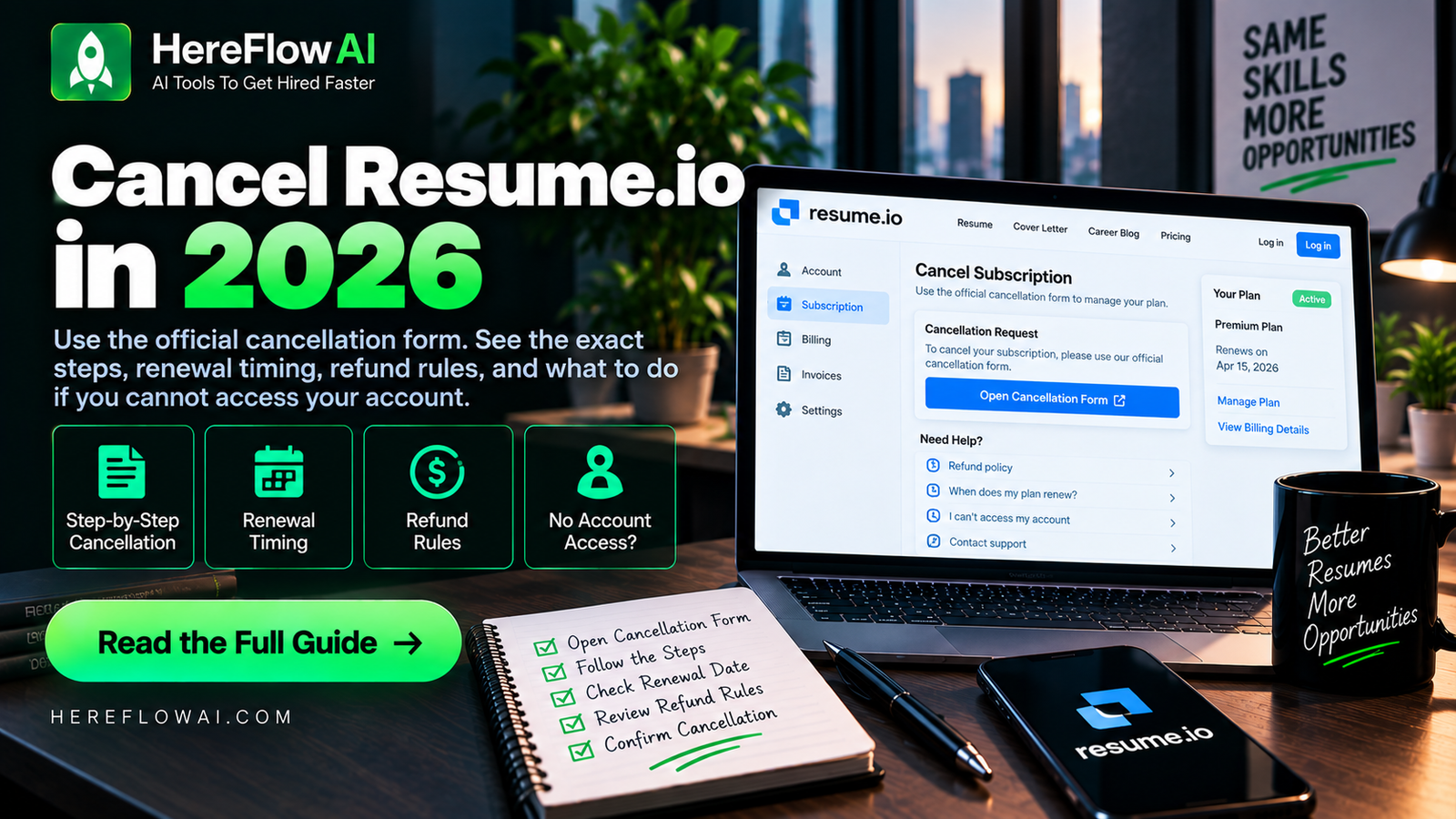

Need to cancel your Resume.io subscription before another renewal? Resume.io provides a direct cancellation form that only requires the email address you used when registering.
Fastest official method
Open Resume.io’s cancellation page, enter the email attached to your account, and submit the cancellation request.
This guide explains the official cancellation route, when cancellation takes effect, how the 7-day trial renewal works, and the difference between cancelling and requesting a refund.
Cancel Resume.io: Keep Proof of the Subscription Status
Start from your account subscription settings and verify that automatic renewal is disabled. Save the cancellation confirmation and the next billing date shown in your account. If you signed up through an app store, the cancellation route may differ from a direct website purchase.
Do not assume deleting an app cancels the charge. If billing continues or the cancellation page fails, use official support and keep the payment and correspondence records. Our Resume.io pricing guide explains why its four-week renewal should be checked carefully. Refund rights depend on the terms and local rules.
How to Cancel Resume.io Subscription
- Open the official Resume.io cancellation form. Go to Resume.io’s cancellation page.
- Enter the email address you used to register. Resume.io says this is the only information needed for its direct cancellation form.
- Submit the cancellation. Follow the on-screen confirmation process.
- Keep the confirmation. Resume.io’s terms say it confirms cancellation electronically, giving you proof that the request was received.
If you do not remember which email address you used, Resume.io recommends checking your inbox for the original welcome email. You can also contact support if you cannot identify the correct account email.
Can You Cancel Resume.io From Your Account?
Yes. Resume.io’s current terms say a subscription can be cancelled by logging into your account or by contacting the company through its support options.
The separate cancellation form is useful because it does not require you to navigate through multiple account settings. Resume.io describes it as an instant cancellation route that uses your registration email.
How to Cancel Resume.io Before the Trial Renews
This is the part that matters most if you started with the 7-day premium trial.
Resume.io’s pricing information says the premium trial automatically converts into a recurring subscription if you do not cancel before the trial ends. In some markets, the recurring plan is billed every four weeks.
If your goal is to use only the trial, do not wait until after the renewal. Check the exact trial end date shown in your account and cancel before the conversion to recurring billing.
For a detailed explanation of the trial, free plan, and renewal cycle, see our Resume.io pricing guide.
Does Cancelling Resume.io Stop Access Immediately?
Resume.io’s current Terms of Use say cancellation takes effect at the end of the current paid term. That means cancelling generally stops the next renewal rather than necessarily removing paid access the moment you submit the cancellation.
Your exact access period depends on the plan and billing cycle attached to your account. Check the subscription details inside your account after cancelling so you know when Premium access ends.
Cancellation vs Refund: They Are Not the Same
Cancelling a subscription prevents future recurring billing after the current paid term. A refund is a separate request about money that has already been charged.
Resume.io’s general Terms of Use state that subscription payments are generally not refunded after cancellation. However, Resume.io separately advertises a 7-day money-back guarantee for the trial period, and its legal pages explain that the guarantee applies during that trial window.
So the practical rule is:
- If you only want to stop the next renewal, cancel the subscription.
- If you are within a stated money-back-guarantee period, contact Resume.io about the guarantee.
- If the charge falls outside the guarantee or special local consumer rules, do not assume cancellation automatically creates a refund.
How to Contact Resume.io About Billing or a Refund
Resume.io provides a contact page with billing, pricing, cancellation, and other support categories. Its current Terms of Use also list support@career.io as an electronic cancellation/support route.
If the direct form does not work, use the contact page and include the email associated with your account plus enough billing information for support to locate the subscription. Do not post card details or other sensitive payment information in public forums.
What If You Do Not Know Which Email You Used?
Resume.io specifically recommends searching your inbox for the welcome email it sent when the account was created.
Try searching your email for terms such as:
- Resume.io
- Welcome
- subscription
- billing
- receipt
If you still cannot identify the account, contact Resume.io support and explain that you need help locating the subscription before the next renewal.
Why Does “Resume.io” or Adyen Appear on a Bank Statement?
Resume.io has a billing help page explaining that it uses centralized payment processing for its international services and that users may see Resume.io/billing or Adyen-related wording on a statement.
If you see a charge you recognize as connected to Resume.io but cannot find the account, use the billing page or support team to identify the subscription rather than assuming the charge is unrelated.
What Happens to Your Resumes After You Cancel?
Cancellation ends the recurring premium subscription according to the applicable billing term. Before cancelling, it is sensible to download any resume or cover-letter files you may need later and confirm which features remain available on the free tier.
Resume.io maintains a free plan, but its free and Premium plans have different download and feature limits. If you still want to keep your documents in the service without paying for Premium, review the current free-plan restrictions first.
Cancel Because Resume.io Is Too Expensive?
If pricing is the reason you are cancelling, compare the total cost of alternatives rather than simply switching to the first free tool you find.
Different resume builders charge by week, month, quarter, year, or lifetime access. They also differ in PDF exports, AI writing, job tracking, cover-letter tools, and template access.
Our best AI resume builders comparison compares several current options, while our Resume.io review explains when the platform may or may not make sense for a job seeker.
Can You Downgrade Instead of Cancelling?
Resume.io’s pricing FAQ says users can upgrade, downgrade, or cancel their plan. If you still need the tool but no longer need the same paid access, check whether another plan or the free tier covers what you actually use.
Do not keep a recurring subscription only because you might need it later. Match the plan to your current job-search workload.
How to Avoid an Unexpected Resume.io Renewal
- Check the exact renewal date immediately after starting a trial.
- Save the confirmation email or receipt.
- Set a calendar reminder before the trial or billing period ends.
- Cancel through the official form if you no longer need Premium.
- Keep the electronic cancellation confirmation.
- Review your statement after the expected final billing period.
If you are still deciding whether to subscribe in the first place, check our Resume.io coupon and discount guide before paying so you understand both the offer and the renewal terms.
Frequently Asked Questions
How do I cancel my Resume.io subscription?
Use Resume.io’s official cancellation form and enter the email address associated with your account. You can also cancel through your account or contact support.
Can I cancel Resume.io without logging in?
Resume.io provides a direct cancellation form that asks for the email used when registering, so you may not need to navigate through the logged-in account interface.
Will Resume.io charge me after I cancel?
Resume.io’s terms say cancellation takes effect at the end of the current paid term. A correctly cancelled subscription should not continue renewing after that term, but keep your confirmation and check the renewal date shown in your account.
Does cancelling Resume.io give me a refund?
Not automatically. Cancellation and refunds are separate. Resume.io states that subscription fees are generally non-refundable, while the 7-day trial has a stated money-back guarantee. Local consumer rules may also apply.
How long is the Resume.io trial?
Resume.io currently advertises a 7-day Premium trial. If you do not cancel before the trial ends, it can convert into a recurring subscription.
How do I contact Resume.io billing support?
Use Resume.io’s contact page and select a billing or cancellation topic. Its Terms of Use also list support@career.io for electronic support/cancellation communication.
Resume.io Cancellation Summary
| Situation | What to Do | Important Detail |
|---|---|---|
| Cancel subscription | Use the official cancellation form | Keep electronic confirmation |
| 7-day trial | Cancel before trial conversion if you do not want recurring Premium | Renewal terms vary by market |
| Refund request | Contact support and check the applicable guarantee | Cancellation alone does not guarantee a refund |
| Cannot find account | Search inbox for the welcome email or contact support | Use the registration email if possible |
Last reviewed: September 2026. Billing, cancellation, refund, and guarantee terms can change and may vary by location. Check the current Resume.io terms shown for your account.


[…] How to Cancel Resume.io Subscription in 2026 (30-Second Guide) […]
[…] the next step? See our Resume.io coupon and discount guide, cancellation guide, and resume builder cost comparison. The exact trial price and currency can vary by location, so […]