

Table of Contents
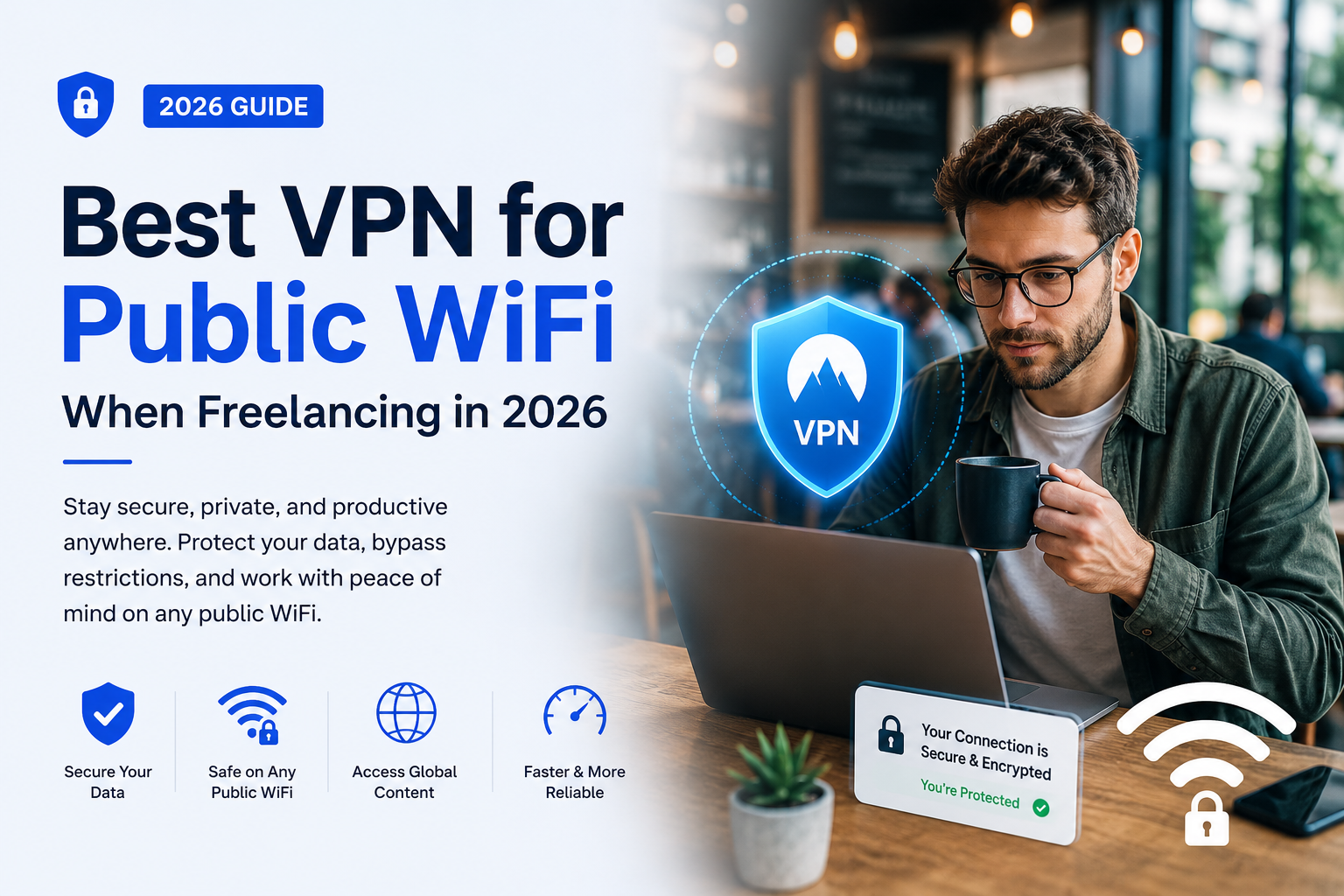
Over 60% of companies have employees connecting to free WiFi on the go. If you’re a freelancer working from cafés, airports, or coworking spaces, you’re doing this every day — often without protection. Here’s exactly what’s at risk, and the best VPN to fix it.
💡 HereFlowAI Tip: Treat public WiFi like an open conversation in a crowded room — anyone nearby could be listening. A VPN seals that conversation in an encrypted envelope.
The Real Risks of Public WiFi
Public Wi-Fi networks found in airports, cafés, hotels, and shopping malls are convenient but risky. Hackers can intercept your data, create fake networks, or redirect you to malicious sites.
The 3 biggest threats freelancers face:
1. Password theft
Via public wifi, a hacker might install spyware to monitor your activities and record your keystrokes — stealing your passwords and sensitive information even when you’re not connected.
2. Malware infection
Using public network vulnerabilities, a hacker might gain access to your device and install malware, including adware, spyware, and ransomware.
3. Man-in-the-Middle attacks
A hacker intercepts or alters the communication between your device and the network server — without you ever knowing.
How a VPN Protects You
VPNs apply additional encryption to protect users’ online privacy. Even if cybercriminals hack a public WiFi network and force an unencrypted protocol over it, a VPN uses its own encryption to guarantee safety.
Breaking VPN encryption with current technology is nearly impossible — it would take decades even for an extremely fast computer.
| Protection | How It Works |
|---|---|
| Encryption | Routes traffic through secure server |
| IP masking | Real IP hidden, new IP each connection |
| Kill switch | Blocks access if VPN drops |
| Malware scanning | Scans traffic, denies malicious access |
Best VPN for Public WiFi — Our Pick: NordVPN
NordVPN’s score of 9.7 was the highest in our testing. It offers easy-to-enable public WiFi protection, a dedicated obfuscation protocol to disguise VPN traffic, and a large server network with a presence in 130+ countries.
NordVPN uses AES-256 — one of the strongest forms of encryption on the market — making your data unreadable to prying eyes. It also includes a reliable kill switch and Threat Protection feature that blocks malicious websites, ads, trackers, and dangerous files.
Why NordVPN wins for freelancers on public WiFi:
| Feature | NordVPN Result |
|---|---|
| Encryption | AES-256 |
| Servers | 9,000+ in 130+ countries |
| Speed impact | Only 4% drop nearby |
| Malware protection | Built-in Threat Protection |
| Guarantee | 30-day money-back |
| HQ | Panama, privacy-friendly |
💡 HereFlowAI Tip: The cheapest NordVPN plan works perfectly for public WiFi protection — you don’t need the most expensive tier for solid security.
What to Look For in a VPN for Public WiFi
First, check if it offers automatic WiFi protection — where the VPN connects by itself when you use an unrecognized network. Then check the obfuscation features, and how many countries and servers it supports.
Checklist before choosing:
- ✅ Automatic WiFi protection (auto-connects on unknown networks)
- ✅ AES-256 encryption minimum
- ✅ Kill switch included
- ✅ Audited no-logs policy
- ✅ RAM-based server structure for extra data safety
- ✅ 24/7 support for when you’re traveling
Extra Safety Tips Beyond a VPN
Turn off auto-connect capability on mobile devices — automatically connecting to networks poses the risk of being hacked when you don’t even think you’re online.
Install anti-malware software on all devices and ensure a secure firewall is enabled.
Quick checklist:
- ✅ Disable auto-connect to WiFi networks
- ✅ Always verify the network name before connecting
- ✅ Use a VPN before connecting to any public network — not after
- ✅ Enable device firewall and anti-malware software
- ✅ Avoid accessing banking or sensitive accounts on public WiFi when possible
Final Verdict
Failure to use a VPN on public WiFi entails the same sort of risk as driving at night with no headlights — you may make it safely, but it’s the result of dumb luck.
For freelancers working from cafés, airports, and coworking spaces daily, a VPN isn’t optional — it’s the baseline cost of protecting your livelihood and your clients’ trust.
FAQ
Does a VPN really protect me on public WiFi?
Yes — a VPN encrypts your data flow and reroutes it through a secure server, making it nearly impossible for hackers to intercept, even on compromised networks.
What’s the biggest risk of public WiFi for freelancers?
Password theft, malware infection, and Man-in-the-Middle attacks are the three most common threats on public networks.
Is NordVPN good for public WiFi?
Yes — NordVPN scored 9.7/10 in independent testing for public WiFi protection, with automatic protection, obfuscation, and 130+ country server coverage.
Does a VPN slow down my connection on public WiFi?
At a minimum, NordVPN showed only a 4% speed drop on nearby server connections during 2026 testing.
Can a VPN protect me from all public WiFi risks?
No single tool provides 100% protection — unpatched software and weak passwords can still create vulnerabilities even with a VPN active. Combine a VPN with updated software and strong passwords.
Is the cheapest NordVPN plan enough for public WiFi?
Yes — the standard/cheapest NordVPN plan works perfectly for public WiFi protection.
Read next: Why Freelancers Need a VPN in 2026 →
Also read: NordVPN Review 2026 →



[…] public Wi-Fi specifically, see our Best VPN for Public Wi-Fi When Freelancing […]
[…] work-specific recommendations, also see our Best VPN for Public Wi-Fi When Freelancing […]
[…] Read next: Why Freelancers Need a VPN in 2026 →Also read: Best VPN for Public WiFi When Freelancing → […]
[…] Best VPN for Public WiFi When Freelancing 2026 | HereFlowAI […]